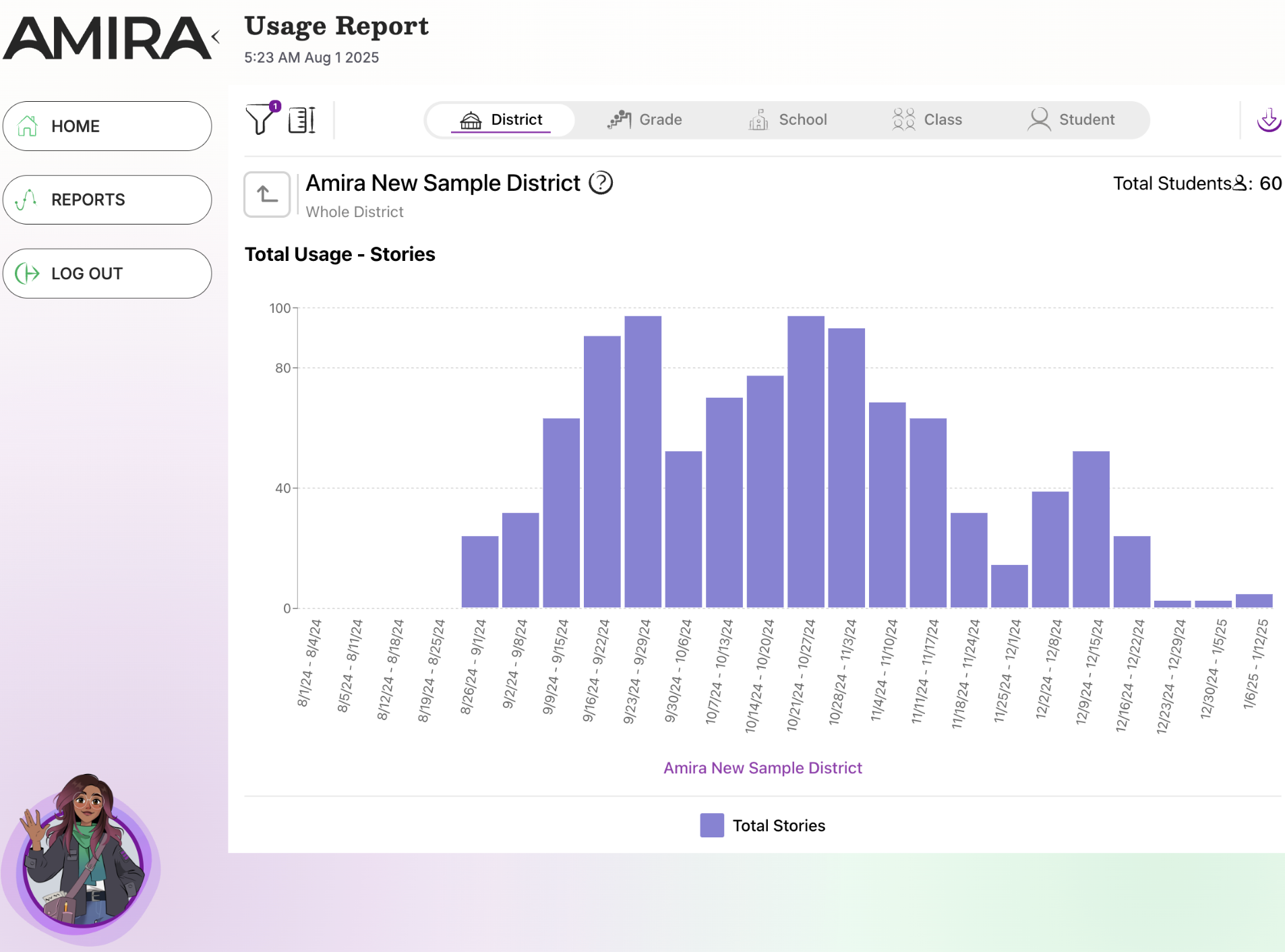
The Admin Usage Report shows the percentage of students meeting the research-backed usage target (roughly 30 minutes/week) along with total usage data. There is also a Teacher Usage Report in the Teacher Growth Dashboard.
Walkthrough: Admin Usage Report
What it does
- Tracks weekly engagement vs. the recommended usage target
- Flexible views: district, school, grade, class, student
When to use it
- Weekly, to catch schools/classes falling behind on usage
- To ensure effective implementation district-wide
What's inside
- View Selection: Drill down by grade, school, class, or student; double-click any graph for detail.
- Filter Selection: Filter by district, school, class, grade, language, week, and application; adjust metrics for different cut lines or subscore types.
Related Resources