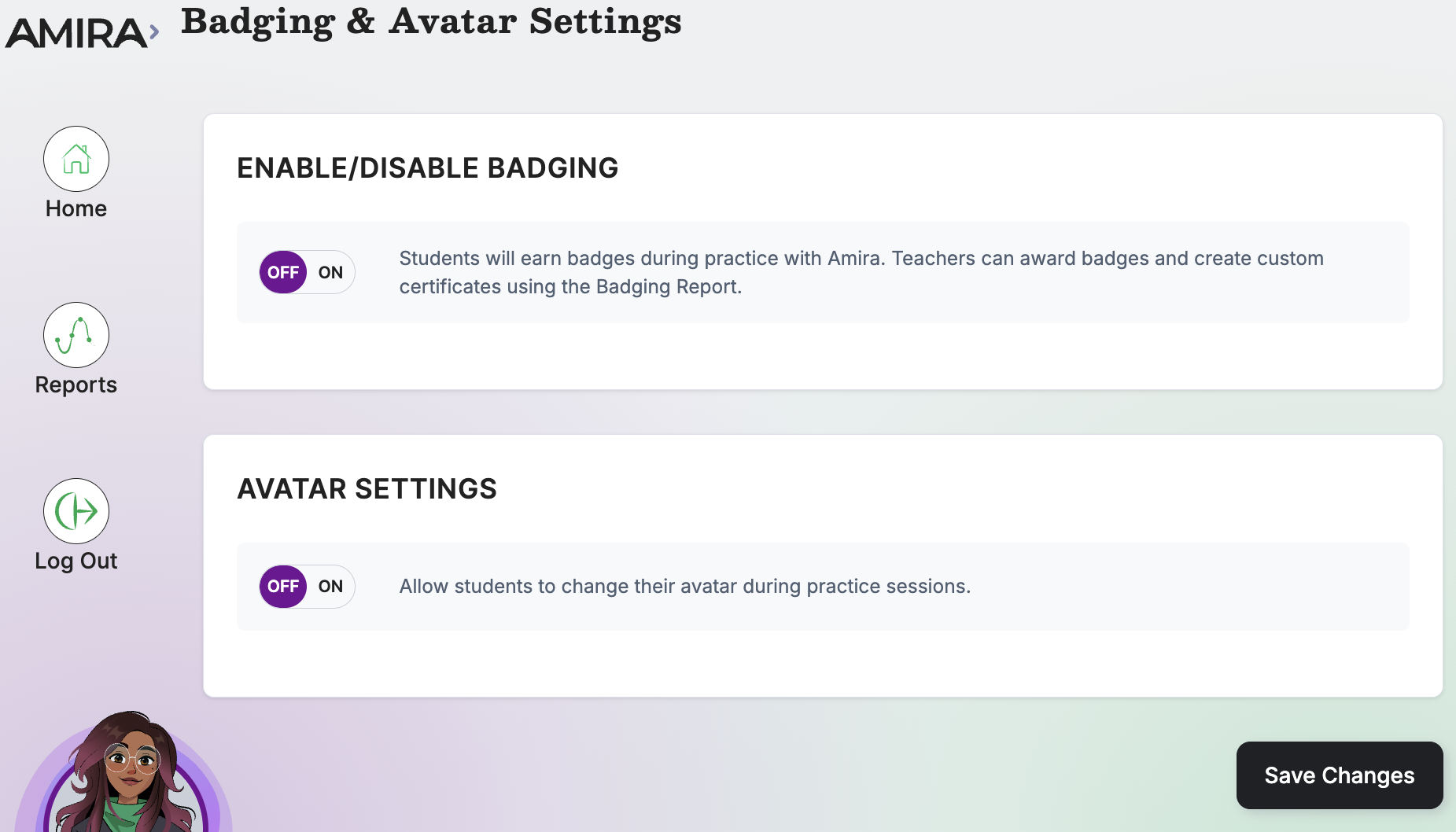
This tile controls two student-facing motivational features in Amira Tutor & Tutora: earning badges during reading practice, and customizing an avatar.
Walkthrough: Badging & Avatar Settings
What it does
- Enables/disables badge earning during Tutor sessions
- Enables/disables avatar customization (Amira Classic or Amira New)
When to use it
- "As needed", most districts keep the defaults
- Use badging to boost engagement and motivation (See: Amira Badges Guide)
What's inside
- Badging: Lets students earn badges as they read with Amira Tutor & Tutora.
- Avatar Settings: Lets students change their avatar style.