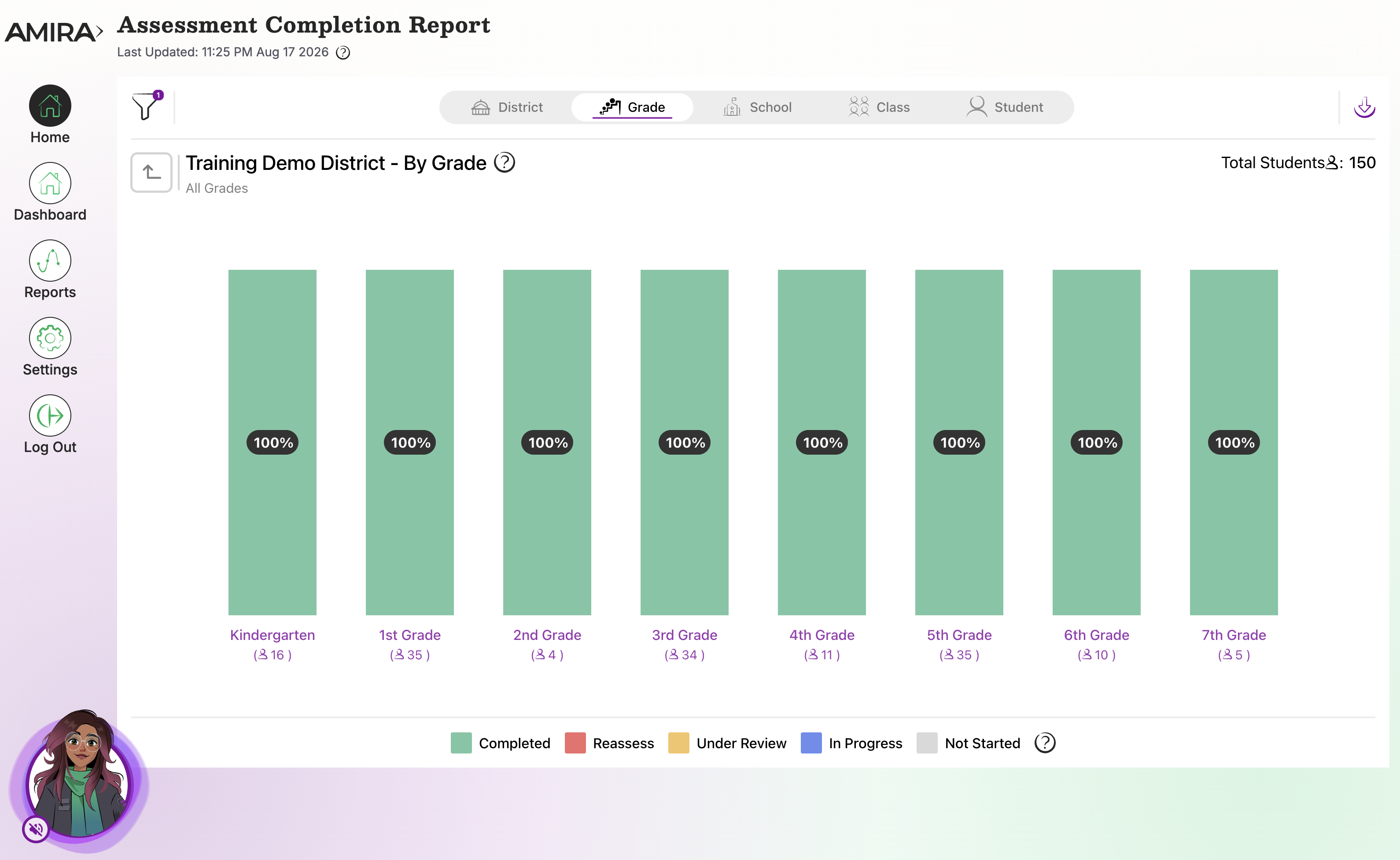
The Assessment Completion Report shows assessment completion status across the district, school, grade, class, or individual student, helping admins spot who still needs to test before a window closes.
Walkthrough: Assessment Completion Report
What it does
- Tracks % of students completed vs. outstanding, by testing window
- Flexible views: district, school, grade, class, student
When to use it
- Weekly, during any active testing window
- To follow up with schools/classes before a window closes
What's inside
- View Selection: Drill down by grade, school, class, or student; double-click any graph for detail.
-
Filter Selection: Filter by district, school, class, grade, language, test type, assessment status, and testing window.
Related Resources