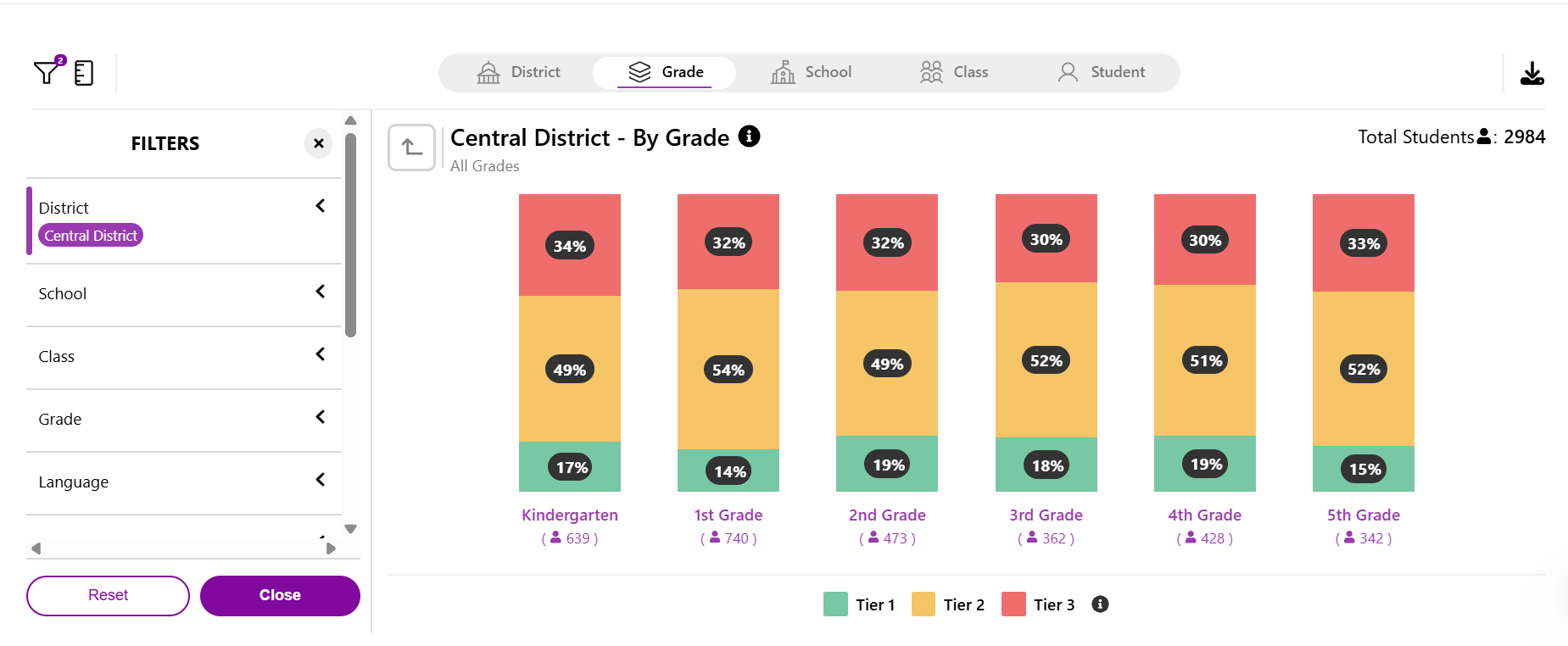
The Assessment Classification Report gives a comprehensive view of student performance across achievement tiers, letting admins compare results across schools and grades.
Walkthrough: Assessment Classification
What it does
- Shows % of students by performance tier
- Uses ARM score and domain subscores as measures
- Flexible views: district, school, grade, class
When to use it
- After a Benchmark or Progress Monitoring window closes
- To identify performance patterns and support instructional planning at scale
What's inside
- View Selection: Drill down by grade, school, class, or student; double-click any graph for detail.
- Filter Selection: Filter by district, school, class, grade, language, test type, and testing window; adjust metrics for different cut lines or subscore types.
Related Resources