System administrators can deploy a bookmark for the student website to their managed devices with the default domain preconfigured.
This prevents students from needing to enter the school domain when they launch the bookmarked website. The default domain can be specified within the URL of the web app:
https://home.app.amiralearning.com/?DefaultDomain=campus.district.st
Educators will login using https://secure.app.amiralearning.com/?Domain=campus.district.st
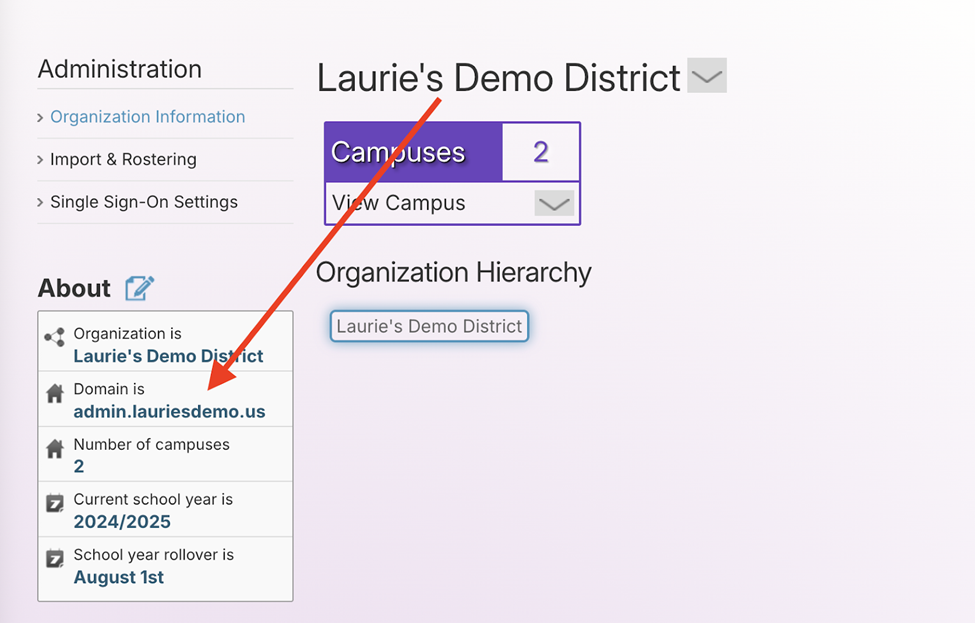
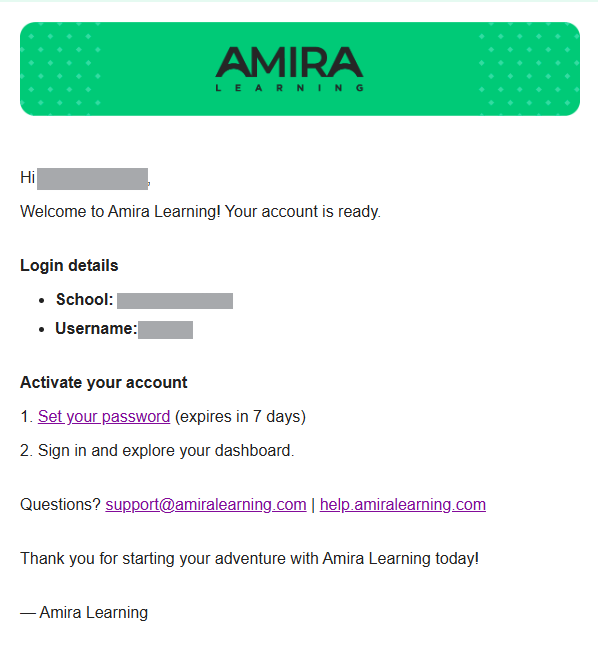
Change the campus.district.st in the above URL to the specific campus domain(s) when configuring the bookmark for your managed devices and users. This can be found in a campus's About box and in the body of a Welcome email or password reset email.
For more information on pushing out URLs to your managed devices, see the resources linked below: