Walkthrough: How To Listen To A Recording
To listen to a student’s Oral Reading Fluency assessment passage or Tutor story recording in Amira, follow these steps:
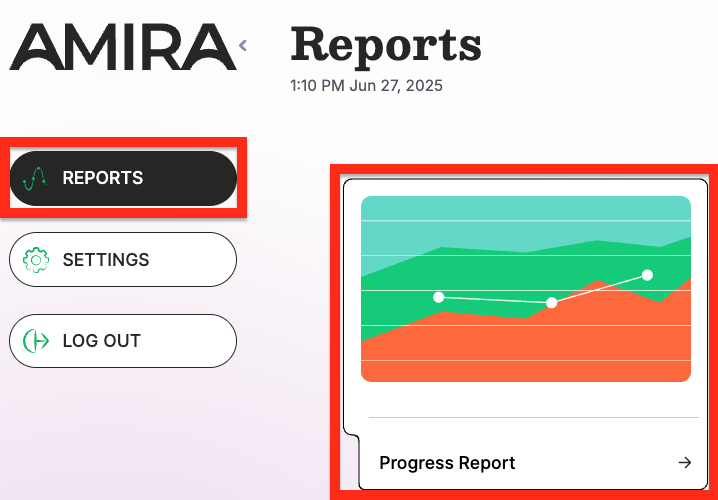
Step 1: Click Reports in the top right and select the Progress Report.
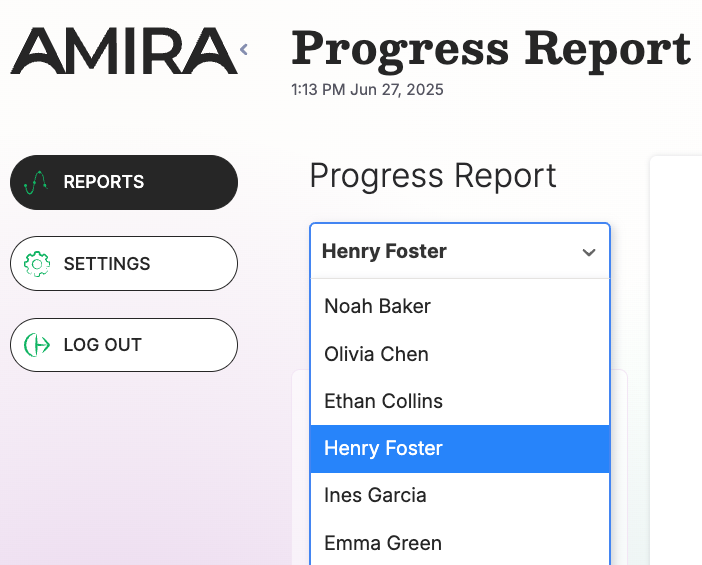
Step 2: Select the student you want to review.
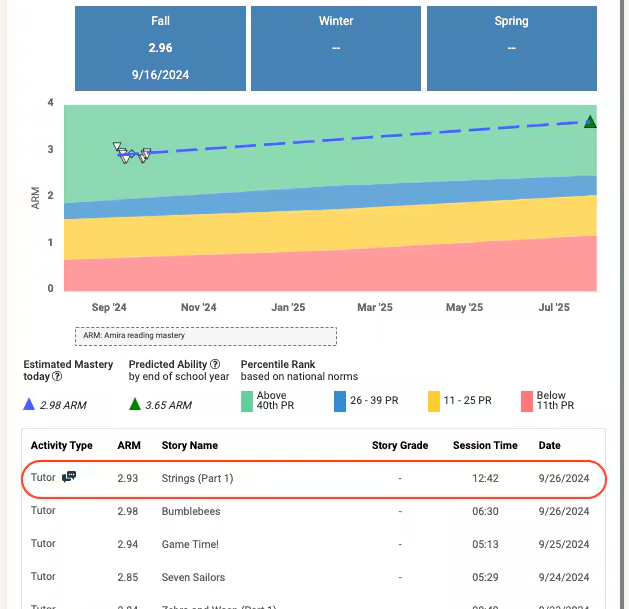
Step 3: Scroll down to the Activity Details Table and click on an assessment, story, or comprehension conversation.
Step 4: Click the play icon at the bottom of the transcript to listen to the recording.
