| Math/Lectura |
After completing the assessment, students can access the Explore Bar, which contains multiple options students can use to explore the curriculum in addition to their Learning Paths.
Students access the Explore Bar by clicking Menu under the product they want to explore and then clicking Explore from the right-hand menu.
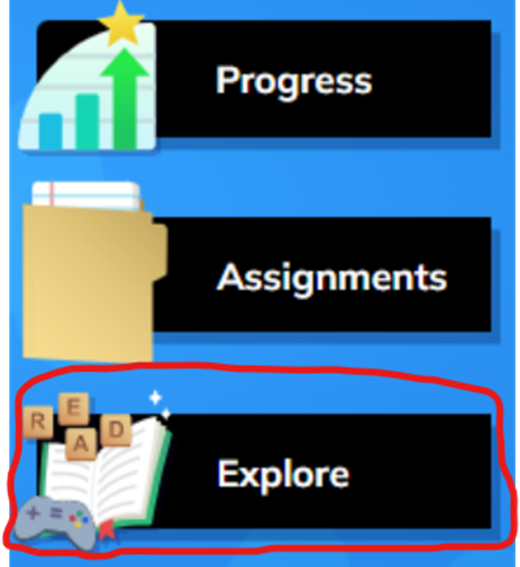
Explore Bar by Product
Lectura
 | Novedades/Repetir Actividades, or "Featured Activities", that students have reached within their Lectura Learning Paths will be displayed here for unlimited replay opportunities. | 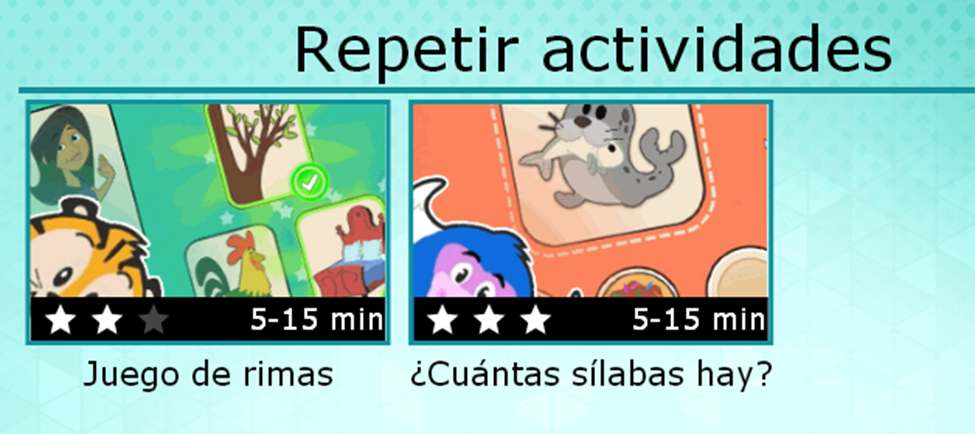 |
 | Games are organized by grade level and initially load based on the student's grade level. Students can interact with games in other grade levels. Please be aware that this option is only available off-campus. | 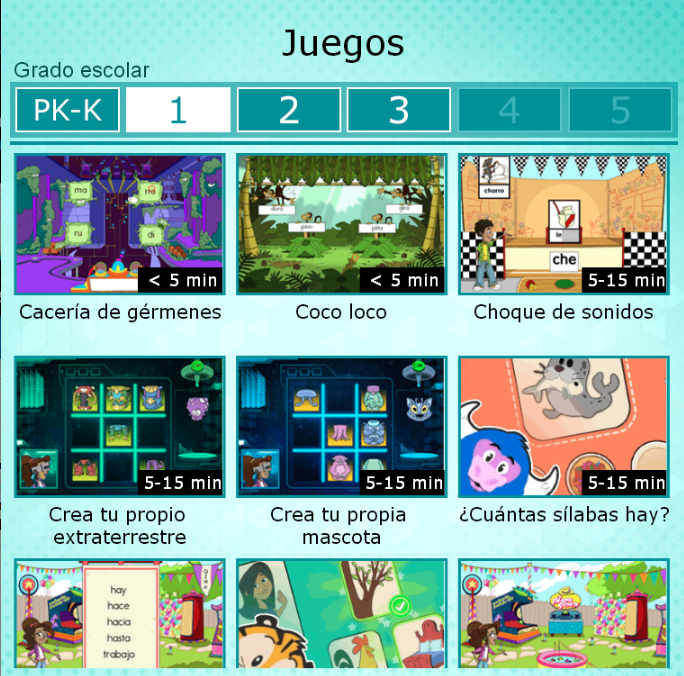 |
 | Books are organized by grade level and initially load based on the student's grade level. Students can read books in other grade levels. | 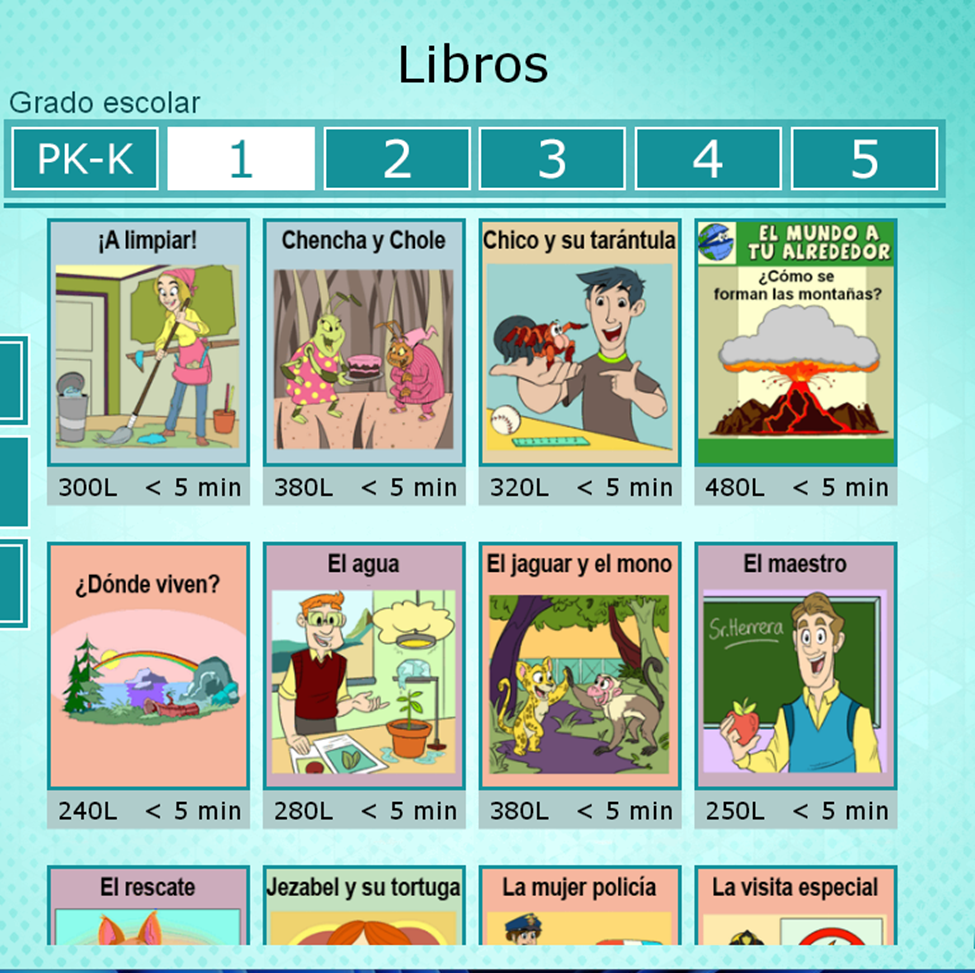 |
 | Students can self-select any activities they want to play. Please be aware that this option is only available off-campus. | 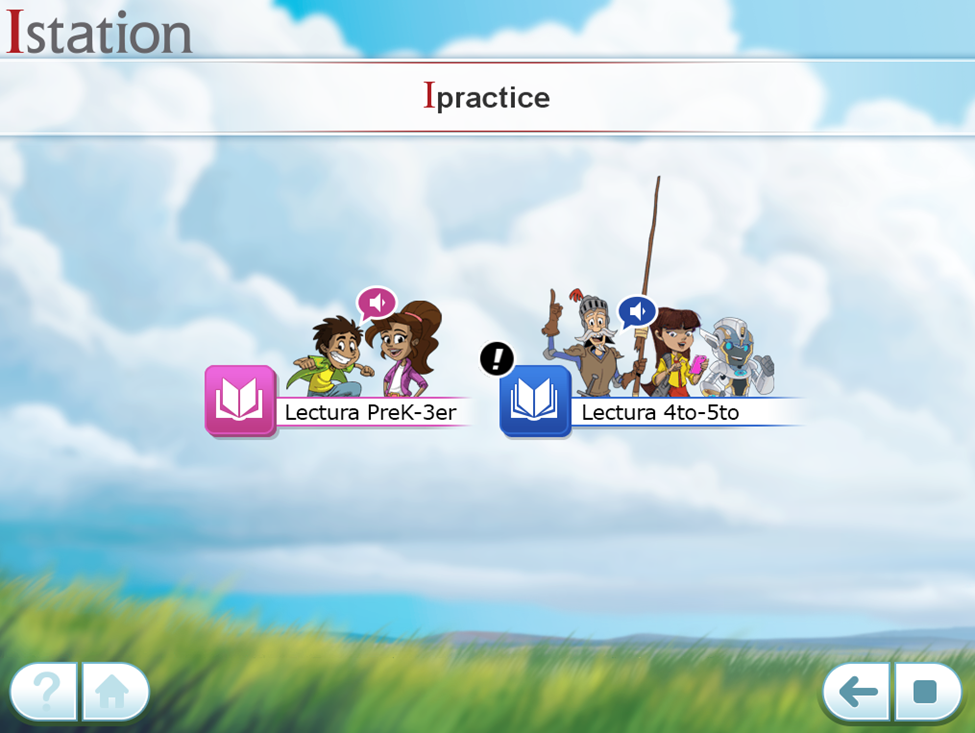 |
Math
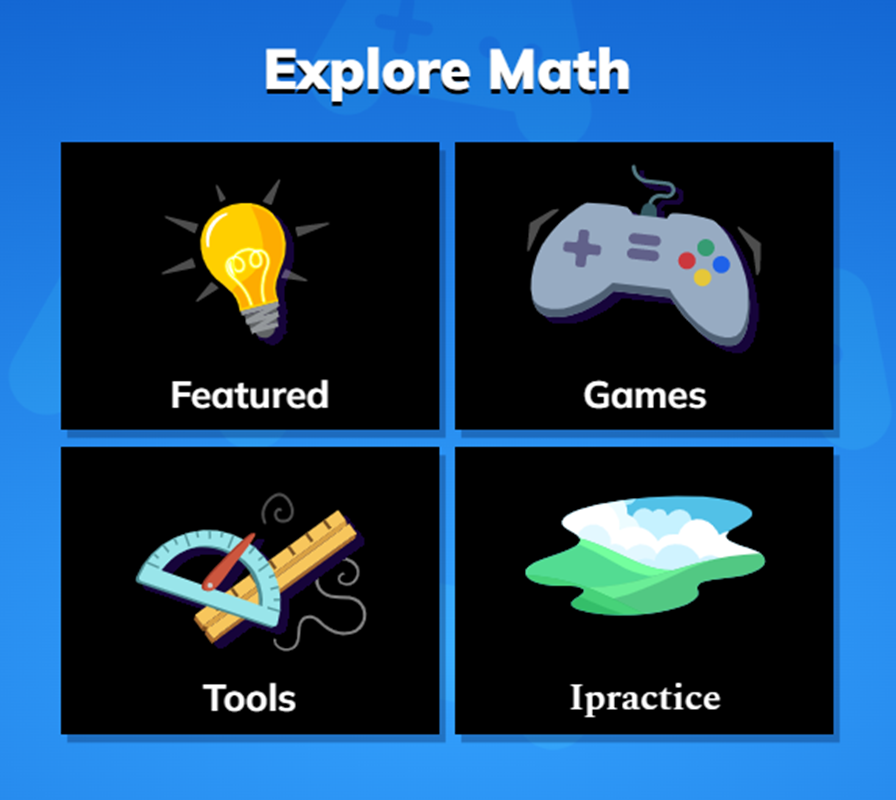
 | Featured Activities that students have reached within their Math Learning Paths will be displayed here for unlimited replay opportunities. | 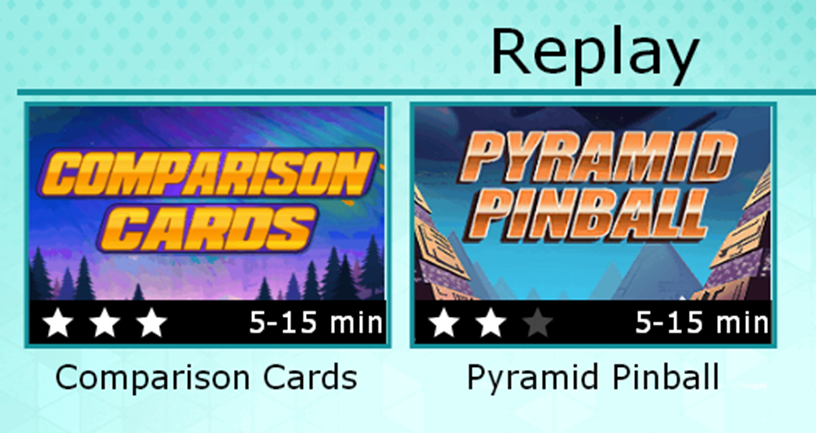 |
 | Games are organized by grade level and initially load based on the student's grade level. Students can interact with games in other grade levels. Please be aware that this option is only available off-campus. | 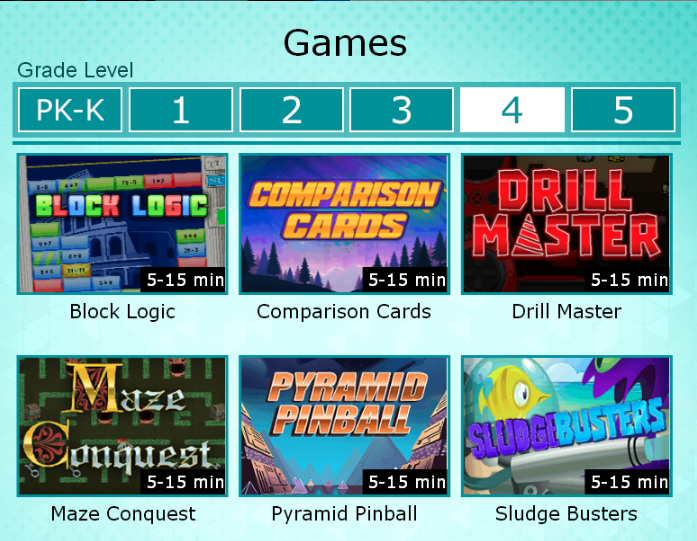 |
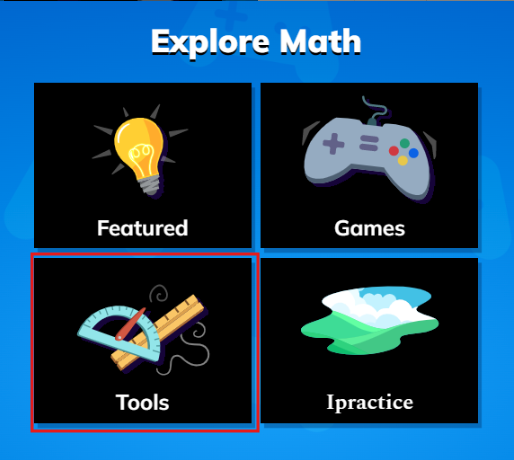
 | Tools are organized by grade level and initially load based on the student's grade level. Students can also explore tools in other grade levels. Learn more in our Digital Tools article! | 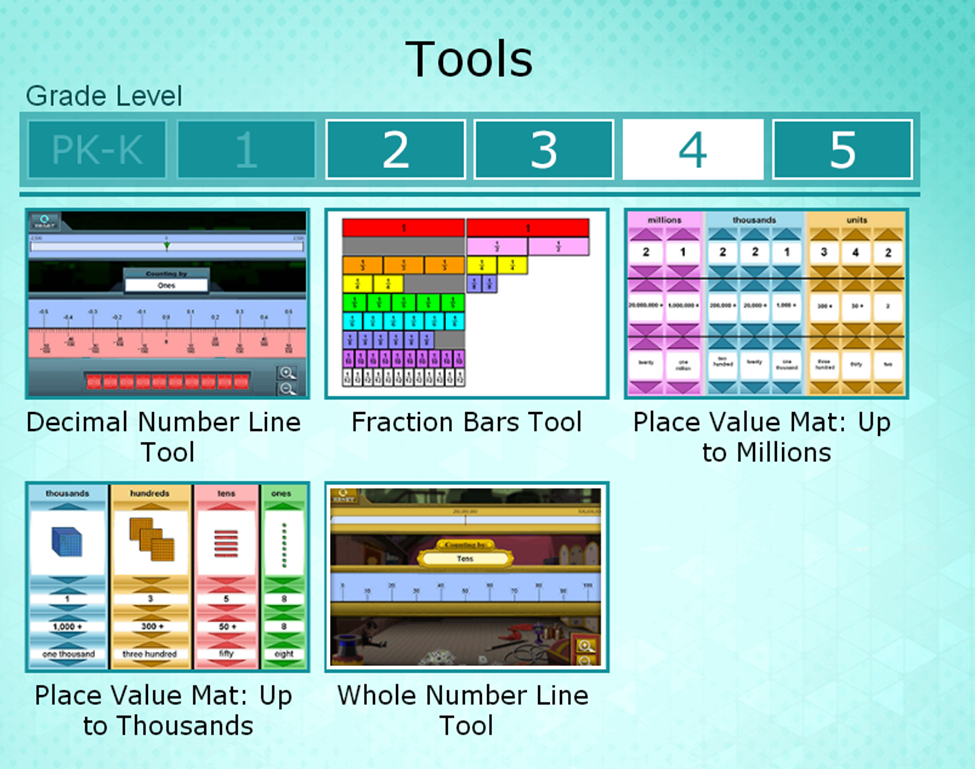 |
| | Students can self-select any activities they want to play. Please be aware that this option is only available off-campus. | 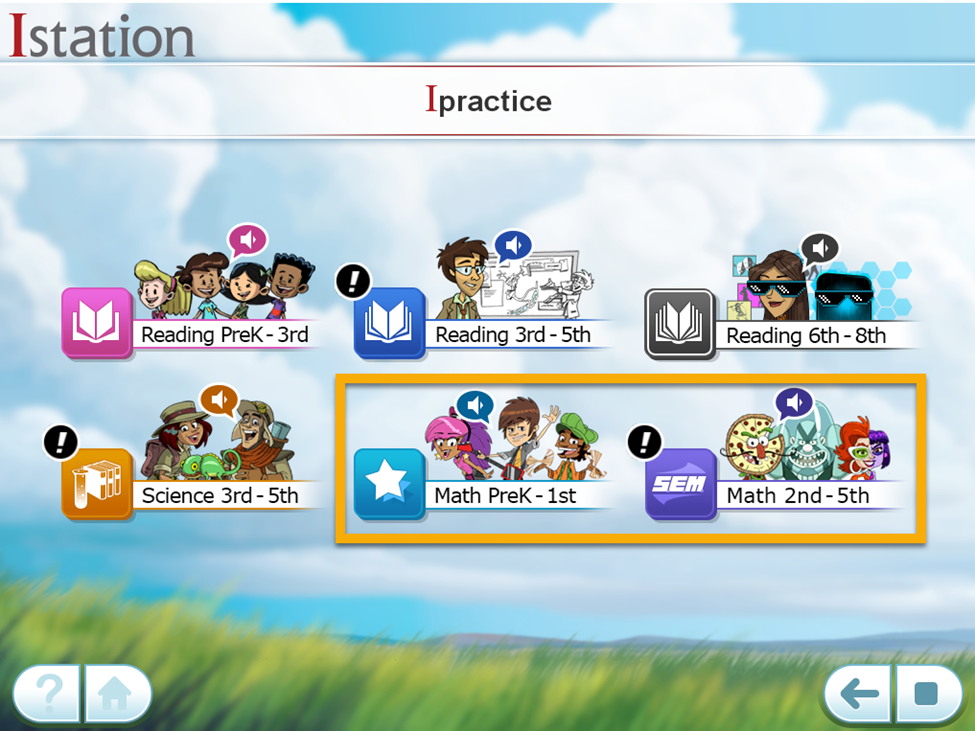 |
Students can access Digital Math Tools from their Math Explore Bar for extra support.
These tools include digital place value mats, number lines, and fraction bars. They are found under Tools within the Explore Bar menu.
Place Value Mat
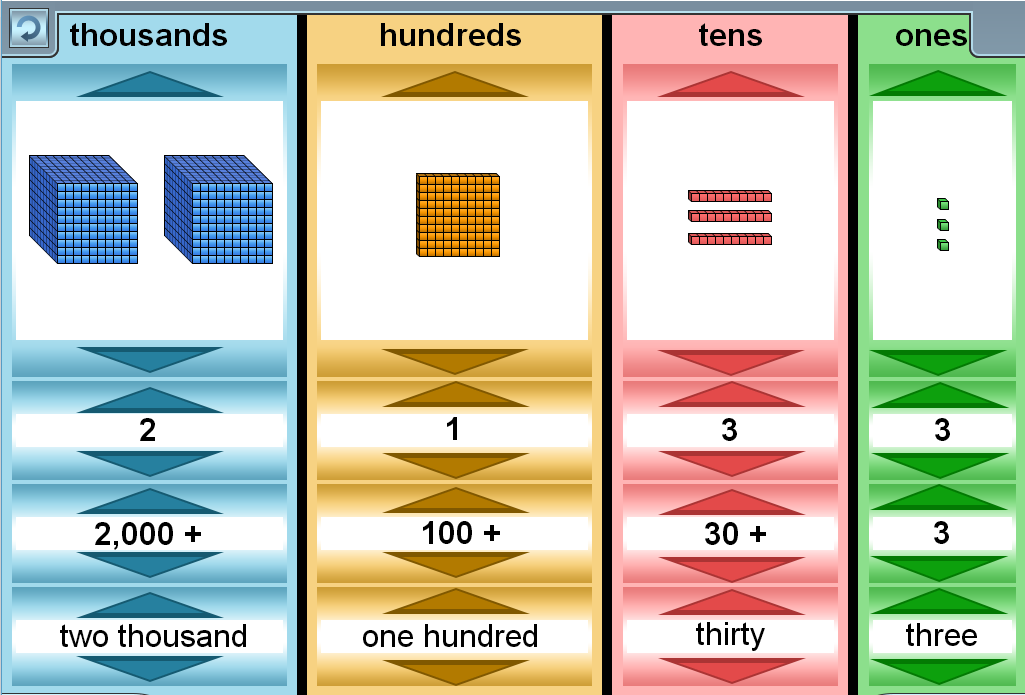
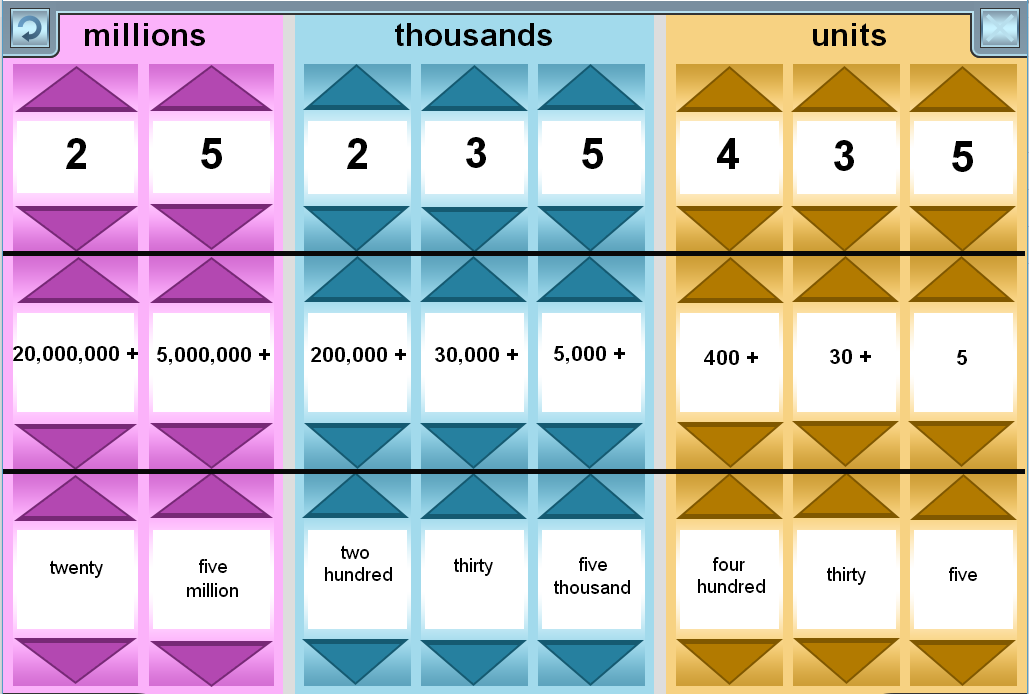
Two place value mats are available, Up to Thousands and Up through Millions. Both place value mats allow students to create numbers in standard form, expanded form, and word form with base ten models for numbers through the thousands place. The color choices on the place value mats are consistent across the number families so that students transition seamlessly from one level to the next. Each place value can be manipulated individually, allowing teachers to create activities or use Amira Learning’s Teacher Directed Lessons to strengthen students’ knowledge and understanding about place value.
Up to Thousands
Up through Millions
Number Lines
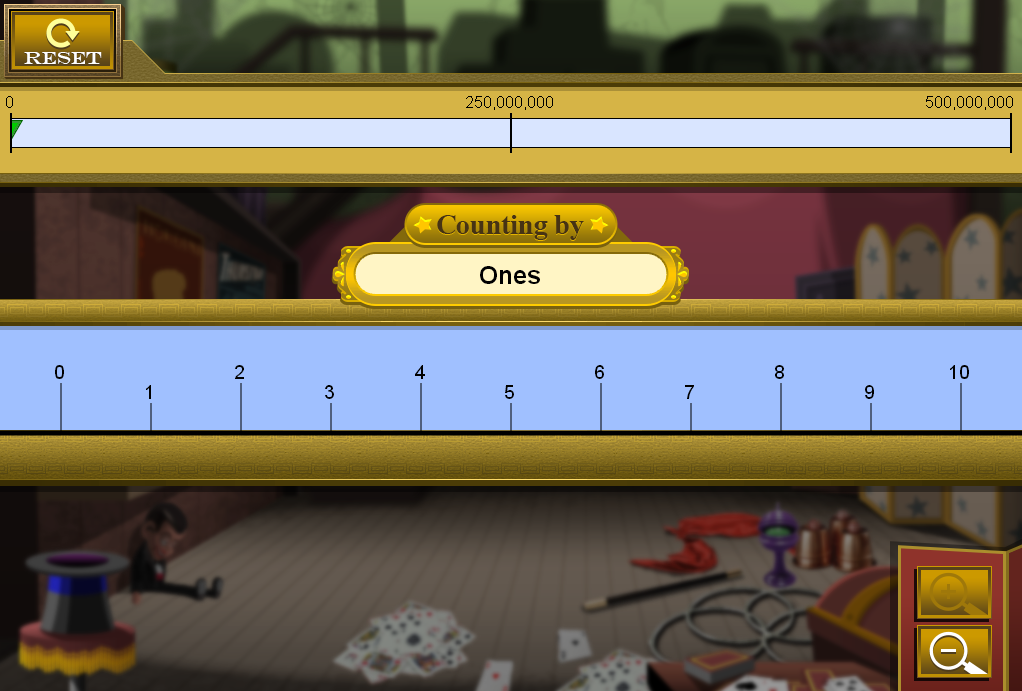
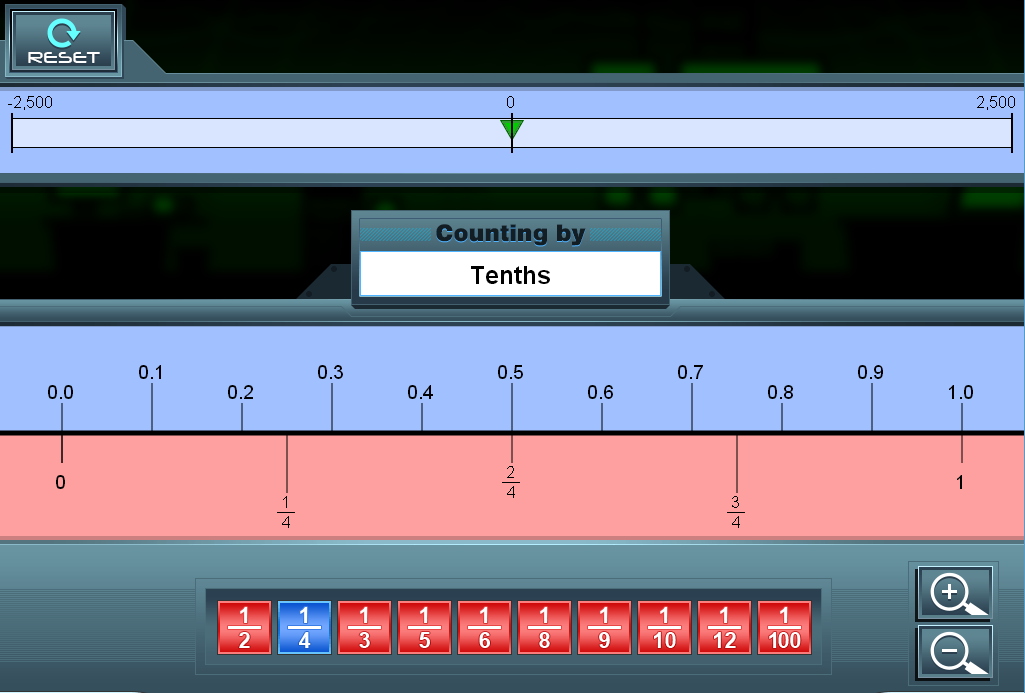
Students will find two number lines, Whole Number Line Tool and Decimal Number Line Tool.
The Whole Number Line Tool will always begin at the ones level. Clicking the Zoom buttons will change the skip counting range. Drag the number line or use the arrow keys on the keyboard to scroll left or right on the number line.
The Decimal Number Line Tool will always begin at the ones level. Clicking the Zoom buttons can change the skip counting range. Drag the number line or use the arrow keys on the keyboard to scroll left or right on the number line. When at the tenths level of the number line, fractions become available and can be activated by clicking the Fractions button. With the fractions option on, students can compare two fractions on the same number line.
Whole Number Line Tool
Decimal Number Line Tool
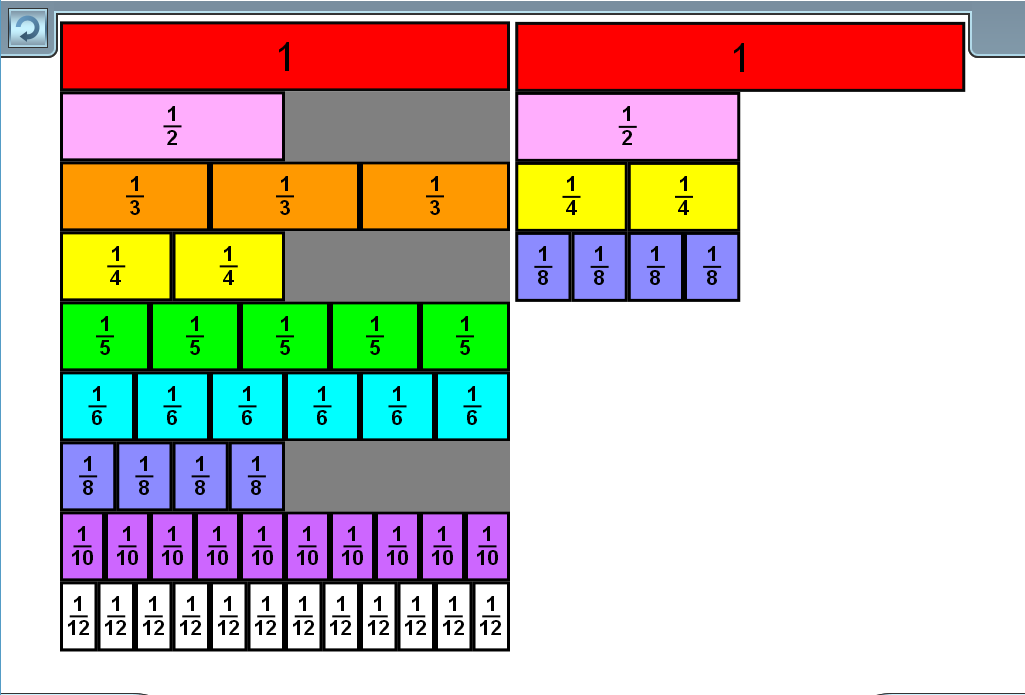
Fraction Bars
The fraction bars will always open with a complete set of fractions in the bank on the left-hand side. Students can drag fractions from the fraction bar bank to the work space on the right, where the fractions will snap into alignment.