The NexLevel user experience integrates game-based instructional design with student choice, including branching narratives and on-demand content.
Note: This article only applies if your district has toggled on the English Individualized Learning Path Mode option under App Settings in their admin dashboard.
Game-Based Learning Features
The advanced reading curriculum includes:
- Student Choice and Agency: Learners control their educational journey
- Engaging Narrative: Immersive storylines within a game world
- Immersive Environments: Rich, interactive learning spaces
- Authentic Experiences: Real-world connections and applications
- Real-Time Feedback: Immediate responses to student actions
- Intrinsic Motivation: Built-in rewards and achievement systems
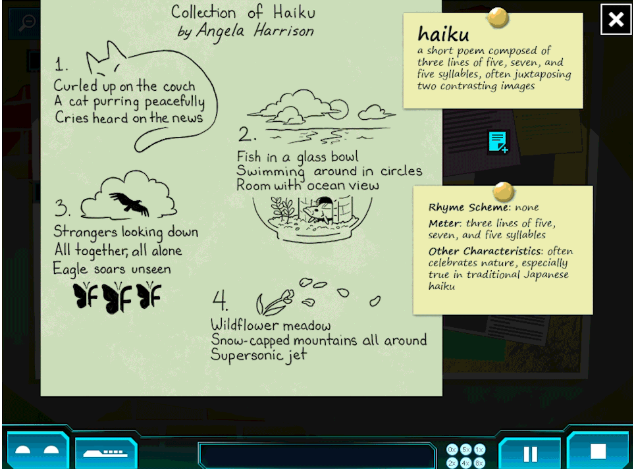
Example Passage |
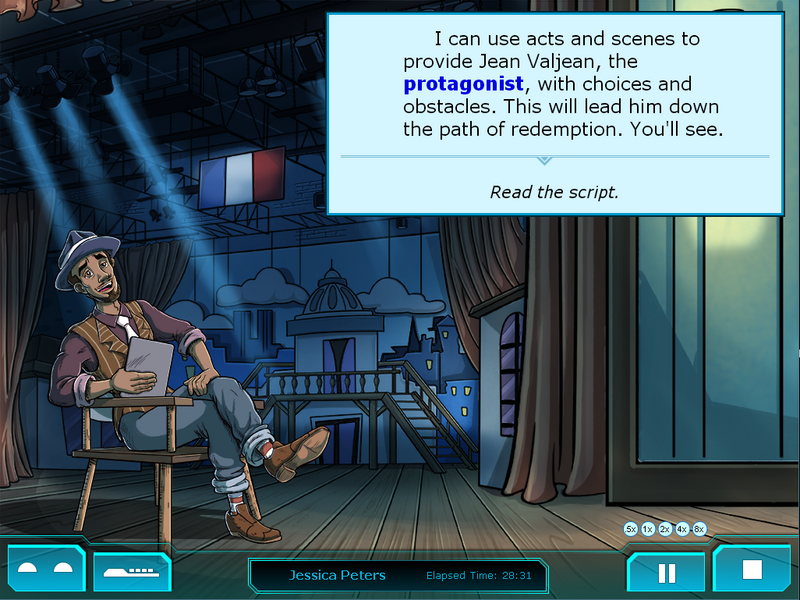
Theatre |
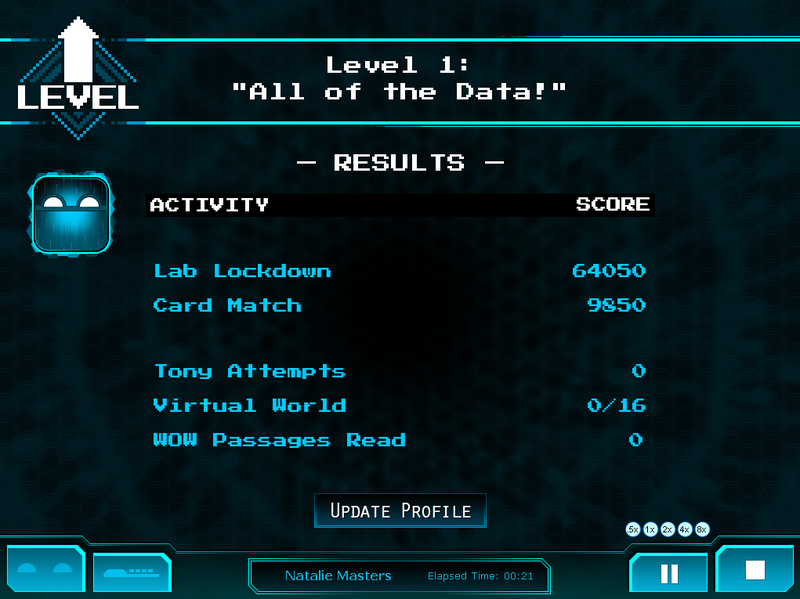
Level Summary |
 |  |  |
Virtual Learning Locations
| The Hub | The Virtual World | The Arcade | World of Wonders |
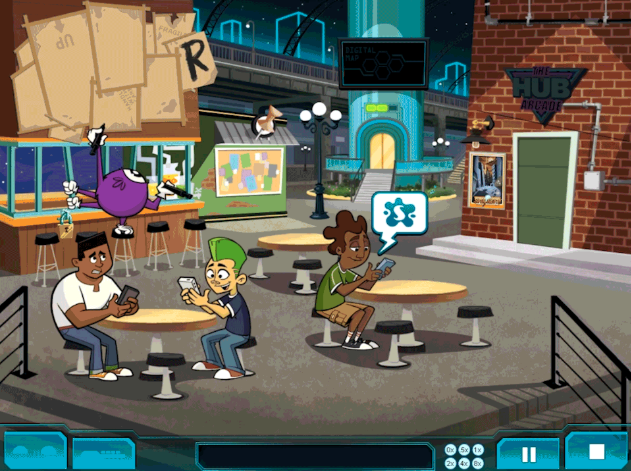 | 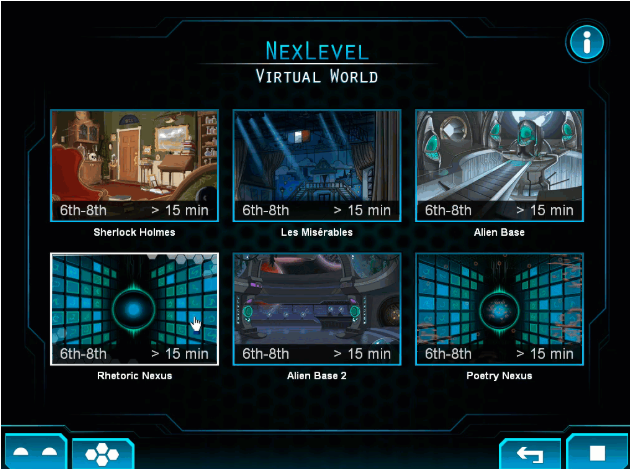 | 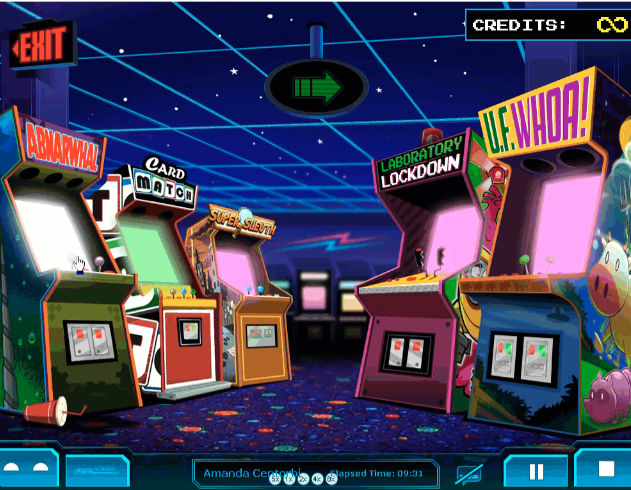 |  |
| Students navigate through guided exploration as they learn new skills. Tony the bouncer provides a check for understanding at the conclusion of the Hub. | Students apply skills and make choices that impact the story through branching narratives. | Students choose which vocabulary games to play as they learn over 600 SAT words. | Students choose passages to read and topics to write about that interest them. |
Skills Taught by Level
Level 1
- Comprehension Skills
- Characterization (Direct and Indirect)
- Historical and Cultural Setting
- Metacognition Skills
- Monitoring Comprehension
- Annotation/Note-taking
- Active Listening
- Vocabulary Skills (Vocabulary in Context)
- Word Analysis Skills (Spelling)
- Fluency Skills (Practice & Assessment)
- Self-Selected Reading and Writing (5 Passages & Prompts)
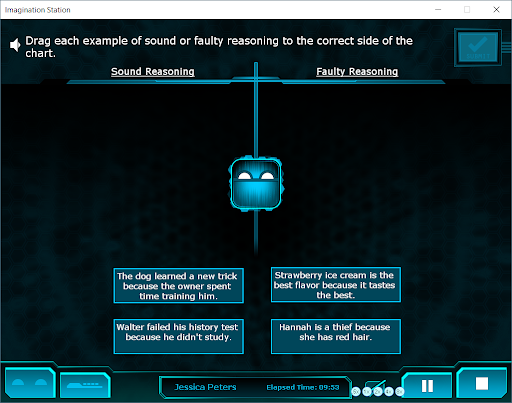
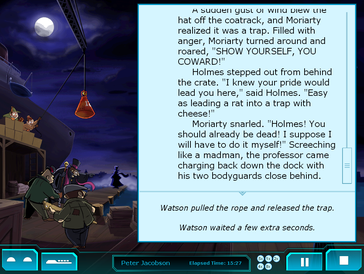
T-Chart
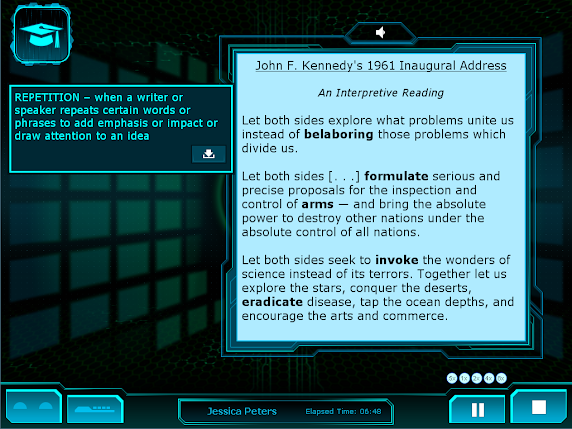
Featured Passage
Level 2
- Comprehension Skills
- Point of View
- Perspective/Bias
- Drama Techniques (Stage Directions and Scripted Dialogue)
- Direct and Indirect Characterization
- Theme
- Metacognition Skills
- Monitoring Comprehension
- Annotation/Note-taking
- Active Listening
- Vocabulary Skills (Vocabulary in Context)
- Word Analysis Skills
- Spelling
- Root Words and Word Families
- Fluency Skills (Practice & Assessment)
- Self-Selected Reading and Writing (5 Additional Passages & Prompts)
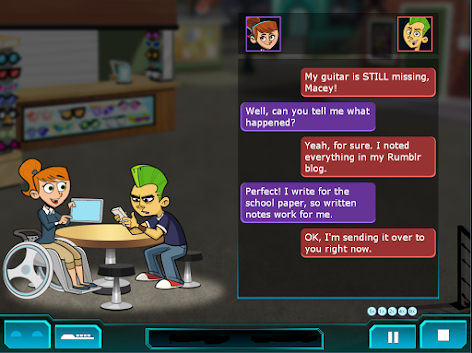
Texting Convo
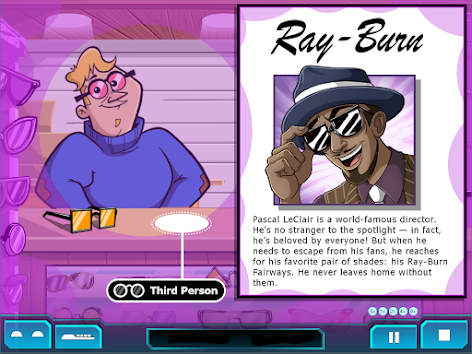
Advertisement POV
Level 3
- Comprehension Skills
- argument
- claim
- evidence
- reasoning
- faulty reasoning
- features of informational texts
- features of argumentative texts
- tone and connotative meaning
- Metacognition Skills
- Monitoring Comprehension
- Annotation/Note-taking
- Active Listening
- Vocabulary Skills (Vocabulary in Context)
- Word Analysis Skills
- Spelling
- Root Words and Word Families
- Word Building with Affixes
- Fluency Skills (Practice & Assessment)
- Self-Selected Reading and Writing (5 Additional Passages & Prompts)
Hub Happenings
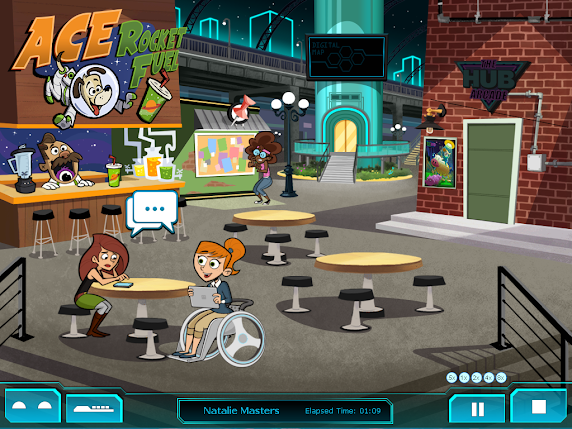
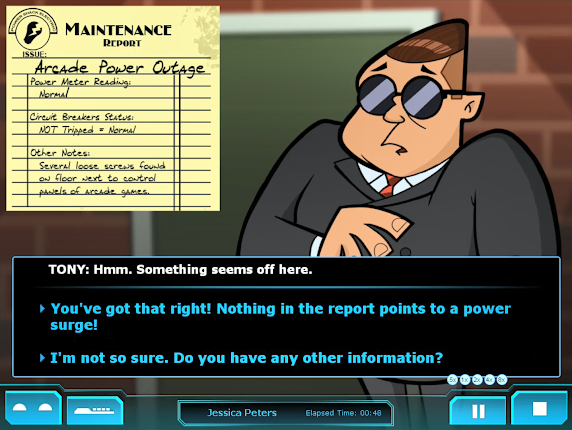
Maintenance Report
Level 4
- Comprehension Skills (Rhetorical Appeals and Devices)
- Ethos
- Logos
- Pathos
- Allusion
- Juxtaposition
- Repetition
- Rhetorical Question
- Metacognition Skills
- Monitoring Comprehension
- Annotation/Note-taking
- Active Listening
- Vocabulary Skills (Vocabulary in Context)
- Word Analysis Skills
- Spelling
- Root Words and Word Families
- Word Building with Affixes
- Fluency Skills (Practice & Assessment)
- Self-Selected Reading and Writing (5 Additional Passages & Prompts)
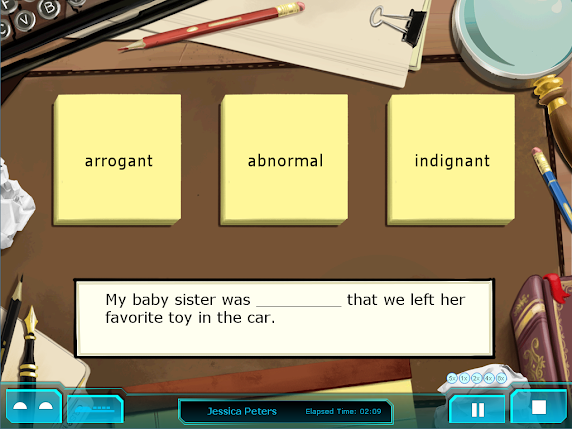
Vocabulary
Featured Passage
Level 5
- Comprehension Skills
- Rhetorical Appeals and Devices
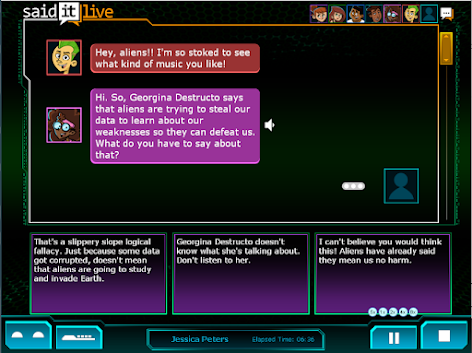
- Logical Fallacies
- Generalization
- Loaded Language
- Ad Homonym
- Slippery Slope
- Straw Man
- Idioms
- Argumentative Text Structure
- Rhetorical Appeals and Devices
- Metacognition Skills
- Monitoring Comprehension
- Annotation/Note-taking
- Active Listening
- Vocabulary Skills (Vocabulary in Context)
- Word Analysis Skills
- Spelling
- Root Words and Word Families
- Word Building with Affixes
- Fluency Skills (Practice & Assessment)
- Self-Selected Reading and Writing (5 Additional Passages & Prompts)
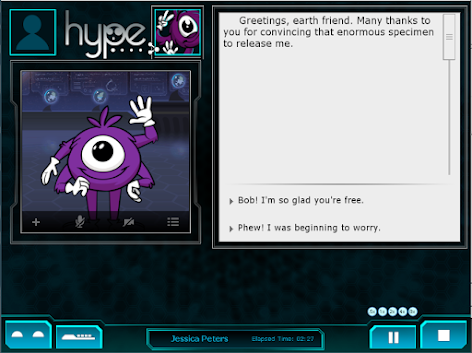
Alien Videocall
Group Chat
Level 6
- Comprehension Skills
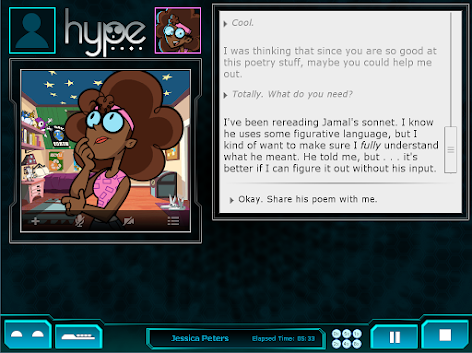
- Poetic Techniques (SMILE)
- Structure and Form
- Meaning
- Imagery
- Language
- Effect
- Literary Devices (Alliteration)
- Figurative Language
- Personification
- Metaphor
- Hyperbole
- Poetic Techniques (SMILE)
- Metacognition Skills
- Monitoring Comprehension
- Annotation/Note-taking
- Active Listening
- Vocabulary Skills (Vocabulary in Context)
- Word Analysis Skills
- Spelling
- Root Words and Word Families
- Word Building with Affixes
- Fluency Skills (Practice & Assessment)
- Self-Selected Reading and Writing (5 Additional Passages & Prompts)
Poetry Videocall
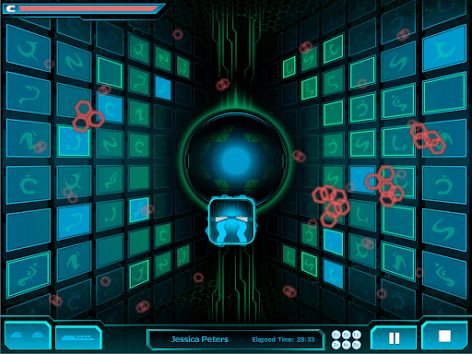
Virtual World
Level 7
- Comprehension Skills
- Information Literacy
- Bias
- Ethics
- Accuracy
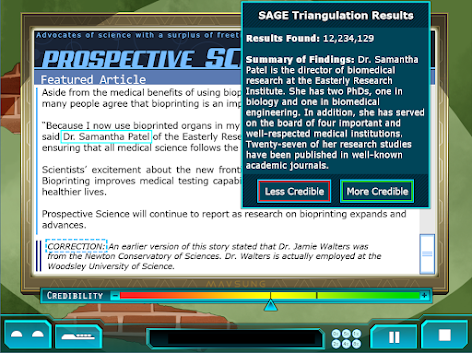
- Credibility
- Offline Resources
- Navigation (of the web)
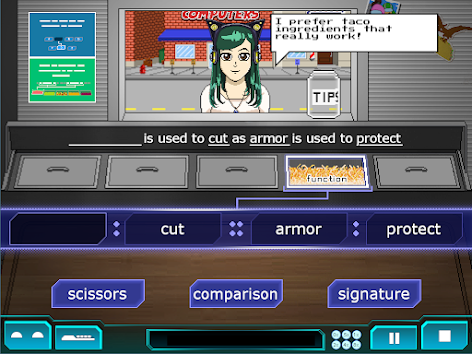
- Analogies
- Digital Citizenship
- Intellectual Property
- Online Safety
- Personally Identifiable Information
- Cyberbullying
- Information Literacy
- Metacognition Skills
- Monitoring Comprehension
- Annotation/Note-taking
- Active Listening
- Vocabulary Skills
- Vocabulary in Context
- Analogies
- Word Analysis Skills
- Spelling
- Root Words and Word Families
- Word Building with Affixes
- Fluency Skills (Practice & Assessment)
- Self-Selected Reading and Writing (5 Additional Passages & Prompts)
Web Article
Taco Vocab
Level X
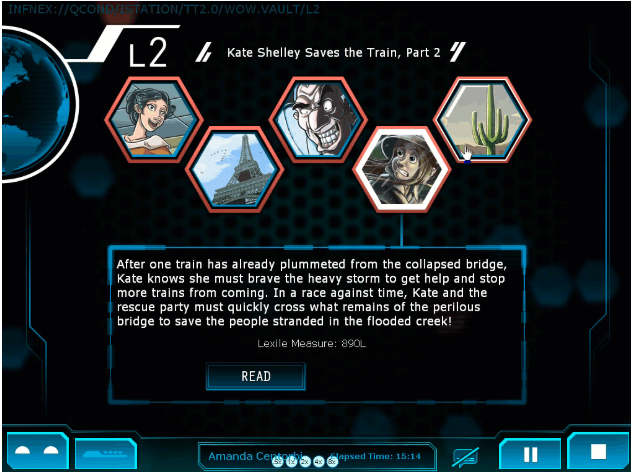
End Game HUB: The Endgame Hub works like a menu. Students can click on various areas to access content on-demand. They can play games in the Arcade by clicking on Tony the Bouncer, they can replay Virtual World lessons by clicking on the portal, they can select a passage to read (and write about) by clicking on the World of Wonders globe, and they can even access additional middle school content by clicking on the Ipractice bridge.
New Game+: New Game+ allows students to play NexLevel again from the beginning. Students can access this feature by clicking on the Bulletin Board in the Endgame Hub. Since New Game+ sends students all the way back to the beginning of the program, we have a prompt that explains the feature and requires confirmation to activate. Students who activate New Game+ keep all of their achievements, profile information, avatars, notes, and high scores, but they lose their progress. They must play through all seven levels before they can return to the endgame Hub. Essentially it saves their progress as though they were playing NexLevel for the first time.
Achievements: Students earn achievements for exploring content, unlocking secrets, and for improving performance. When students play NexLevel the first time, they only see achievements when they earn them. However, once students complete the program, they can see the entire list of achievements along with the criteria for unlocking them. This allows students to systematically hunt for achievements using content on-demand features in the endgame Hub or while playing NexLevel again from the beginning using New Game Plus.
Special Features
Accommodations
- Subtitles: Students can turn subtitles on or off from the Settings icon on their Control Bar at any time.
- Color-Blind Friendly Design: Feedback does not rely solely on color, and interfaces are designed with optimal contrast.
- Dyslexia-Friendly Font: All text uses Verdana font for improved readability.
Student-Centered Features
- Content on Demand: Students can choose what to learn more about based on their interests.
- Flexible Pacing: Students progress at a rate that keeps them engaged, empowered, and motivated to learn.
- Player Profiles: Students create their own profile and select their own avatar.
Interactive Tools
- Note Taking capabilities
- Fluency Journal for tracking progress
- Results Screen for performance review
- Student Profiles for personalization
- Achievements system for motivation
For questions regarding placement or to review other cycle/unit groupings, please head back to our main Cycles/Units of Instruction article.