HumanEX covers 6th through 8th-grade reading, language, and literacy state standards and seamlessly integrates learning into a continuous game-based narrative that empowers and engages students by giving them voice, choice, and agency.
Note: This article only applies if your district has toggled on the English Individualized Learning Path Mode option under App Settings in their admin dashboard.
In Middle School Reading, the level of complexity and sophistication of instruction increases. Students are asked to complete more abstract comprehension activities, focusing on making inferences and supporting them with textual evidence. Students also begin to delve into analyzing argumentative text structure, nonlinear plot, and more.
Word Analysis and Vocabulary begin to shift from being explicitly taught to being practiced, building on skills gained from earlier parts of Amira Instruct. All lessons are delivered using the experiential learning cycle, allowing for greater student voice, choice, and agency throughout the program.
The user experience integrates game-based instructional design. Student choice includes branching narratives and on-demand content. The game-based advanced reading curriculum includes:
- student choice and agency
- an engaging narrative in a game world
- immersive environments
- authentic experiences
- real-time feedback
- intrinsic motivation
Skills Taught by Chapter
Chapter 1 (4 units)
- Comprehension Skills
- Main Idea & Supporting Details
- Paraphrasing Fiction & Nonfiction Texts
- Summarizing Fiction & Nonfiction Texts
- Central Idea
- Metacognition Skills
- Monitoring Comprehension
- Annotation/Note-taking
- Vocabulary Skills (Context Clues)
- Word Analysis Skills (Spelling
- Fluency Skills (Practice & Assessment)
- Self-Selected Reading and Writing (5 Passages & Prompts)
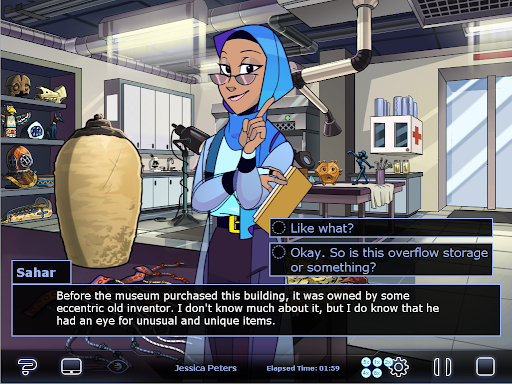 Exhibit Inspection
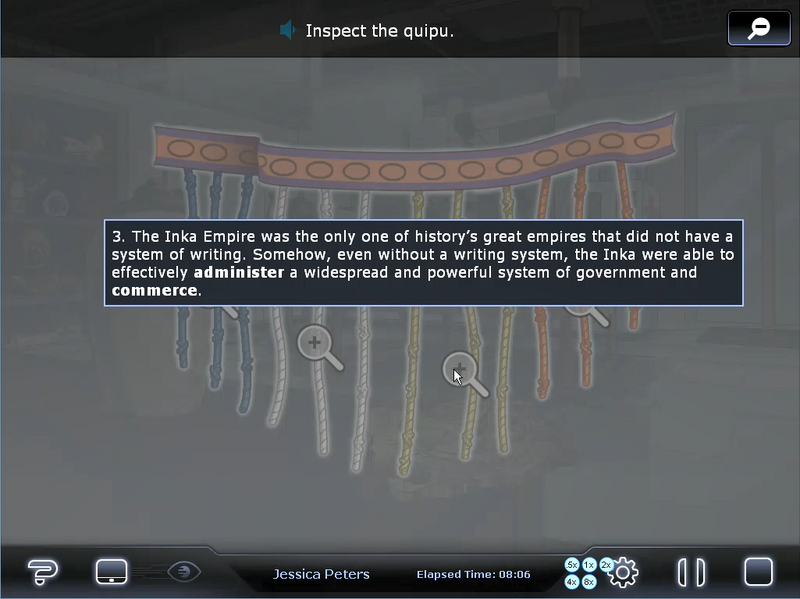 Featured Passage
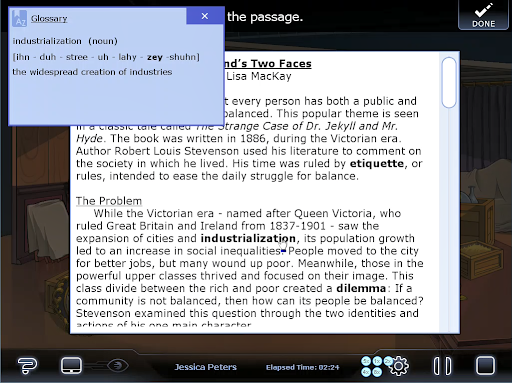
Chapter 2 (4 units)
- Comprehension Skills
- Making Inferences
- Using Text Evidence
- Metacognition Skills
- Monitoring Comprehension
- Annotation/Note-taking
- Making Connections
- Active Listening
- Vocabulary Skills (Context Clues - Syntactic Analysis)
- Word Analysis Skills (Verb Tenses)
- Fluency Skills (Practice & Assessment)
- Self-Selected Reading and Writing (5 Additional Passages & Prompts)
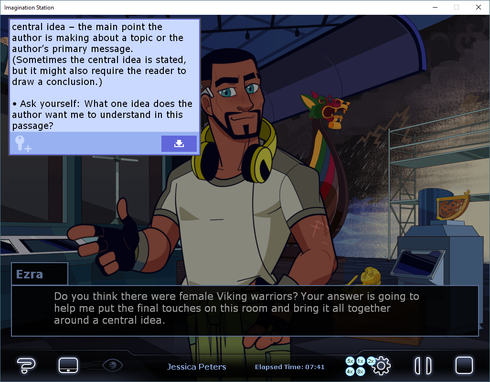
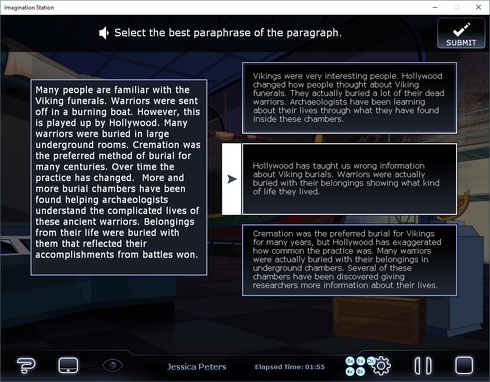 Central Idea
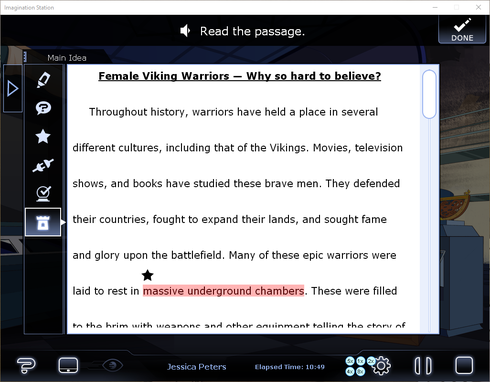
 Featured Passage 1
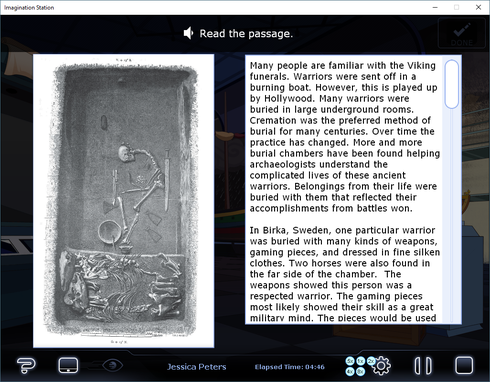
 Featured Passage 2
Special Features
- College & Career Readiness: Students are exposed to possible career paths as they play the role of an intern in a safe place to experience what it’s like to work in a professional setting
- Museum Free Explore: Students use the map to explore the museum at designated times. They can find stories, passages, images, and more optional content about the various artifacts in the museum.
- Save Point Icons:
 When students see this icon spinning, they know it’s safe to log off without losing progress.
- Accommodations
- Subtitles: Students can turn on or off subtitles from the Settings icon on their Control Bar at any time.
- Color-Blind Friendly Design: feedback does not rely solely on color and interfaces are designed with optimal contrast.
- Dyslexia-Friendly Font: Verdana
- Mutable Voiced Interactive Dialogue: Students can choose to listen to characters speak or mute them, and conversations are interactive, allowing students to choose what they want to say.
- Customizable Tablet: The tablet is used to give students access to certain features (apps) at any point in the online curriculum. Students can choose which avatar and wallpaper they want to see, and new avatars & wallpapers unlock throughout the program.
- Achievements: Students will unlock achievements for completing content, doing well on games, and more. This works to extend the time students spend learning in the program, and to incentivize and motivate them to do well. Students also unlock new wallpapers and avatars for their tablet as they successfully complete lessons and activities.
- Notes & Tools: Students can take a note any time during instruction and refer back to them in their Tablet Dashboard. Helpful graphic organizers are saved for students to reference throughout the program.
- CrowCache:This functions as a downloads folder where students can reference completed comics, recaps of previous chapters, and clues to solve the mystery happening in the plot of HumanEX.
- Annotation Toolbar: Whenever a student encounters a passage during a lesson, they have access to this toolbar. Each symbol represents something specific to mark for in a passage.
- Messages: At the end of each Chapter, students receive an email from a mysterious character which guides them to reflect on their learning so far. Students are exposed to common email protocols and practices and get the opportunity to practice composing digital correspondences.
- Lexicon: Students can reference a dictionary of over 600 words at any time. The words are drawn from SAT lists and state academic vocabulary lists. Every entry includes:
- Word
- Pronunciation
- Part of Speech
- Definition
- Example Sentence
- Synonyms/Antonyms
- Spanish Cognate (if applicable)
- Words with multiple meanings are listed together to mimic a real dictionary
- Replay: At the end of each chapter, students are given the opportunity to replay activities and lessons they have already experienced in order to raise their scores or explore other options and endings.
For questions regarding placement or to review other cycle/unit groupings, please head back to our main Cycles/Units of Instructions article.