Amira Tutor/Tutora is an AI-powered, one-on-one reading coach built into the Amira Reading Suite. Amira listens as students read aloud, provides real-time support at the moment of struggle, and adapts text, pacing, and instruction to each student's needs, combining the Science of Reading, neuroscience research, and speech recognition technology developed at Carnegie Mellon University.
Amira Tutor and Amira Tutora are two separately licensed products. Amira Tutor delivers reading practice and tutoring in English. Amira Tutora delivers the equivalent experience in Spanish, including a Spanish-specific intervention model. A district may license Tutor only, Tutora only, or both. Where a feature applies to both products, this article calls it out; otherwise "Tutor" refers to the English experience.
What does Amira Tutor do?
During a tutoring session, Amira:
- Presents the student with a selection of stories matched to their instructional level
- Listens as the student reads aloud, using speech recognition to identify reading skill gaps in real time
- Delivers targeted micro-interventions at the moment of struggle, word-level help, fluency coaching, or comprehension support
- Asks Comprehension Conversation questions during or after some stories (available at 3rd grade reading level and above)
- Tracks growth as students read and feeds that data back into Amira's reporting and assessment systems
Sessions typically run 5 to 15 minutes and are designed to fit into independent reading time, small-group rotations, or targeted intervention blocks.
How does the student experience work?
- The student logs in and, depending on district setup, may see a Student Inbox or go straight to Amira's "Ready to Start?" screen.
- Amira prompts the student to enable their microphone.
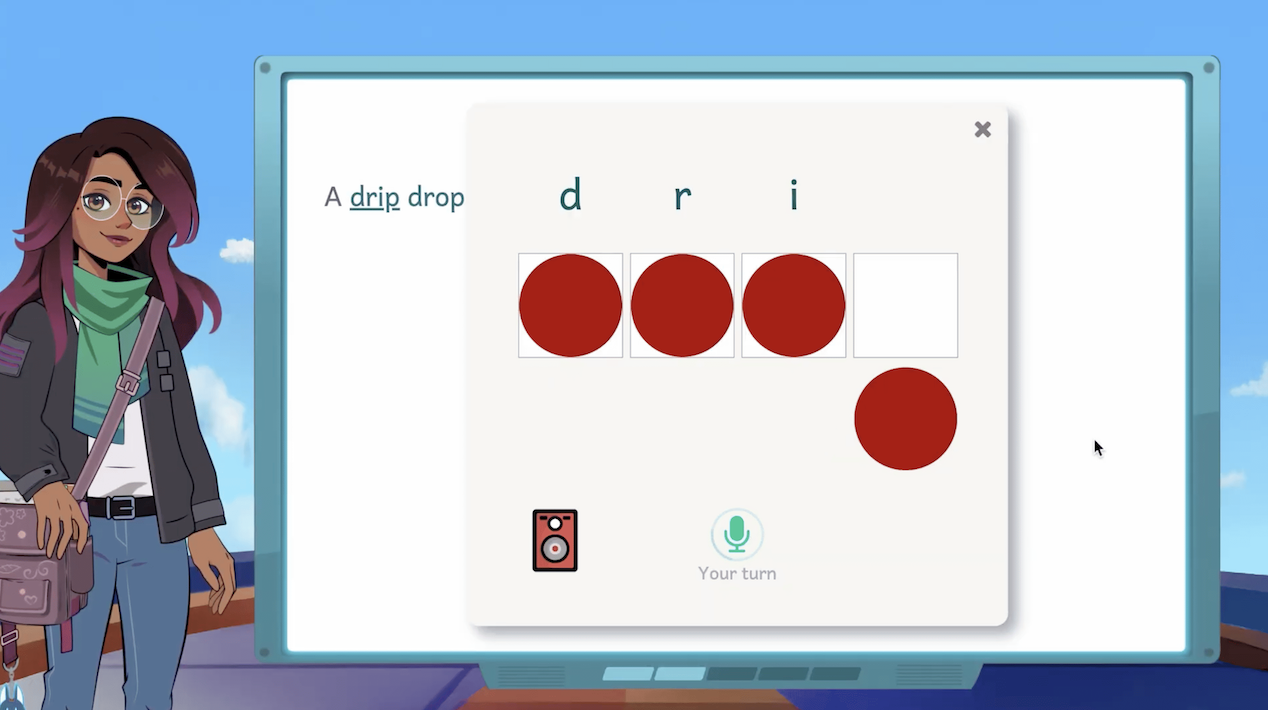
- Amira presents five stories at the student's instructional level for the student to choose from. (Students in the Early Reader Skills Scaffold begin a phonics activity instead of choosing a story.)
- Amira says "Ready, Set, Go!" and the student begins reading aloud.
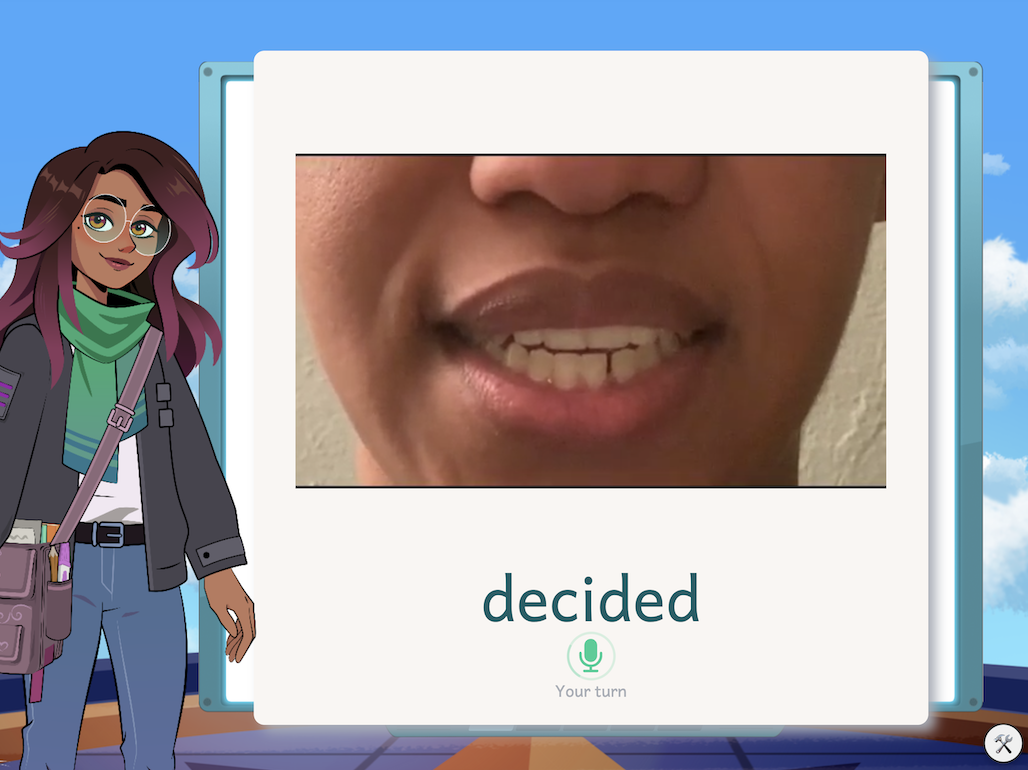
- Amira listens and steps in with a micro-intervention when the student makes a high-leverage error or gets stuck, Amira doesn't interrupt for every miscue.
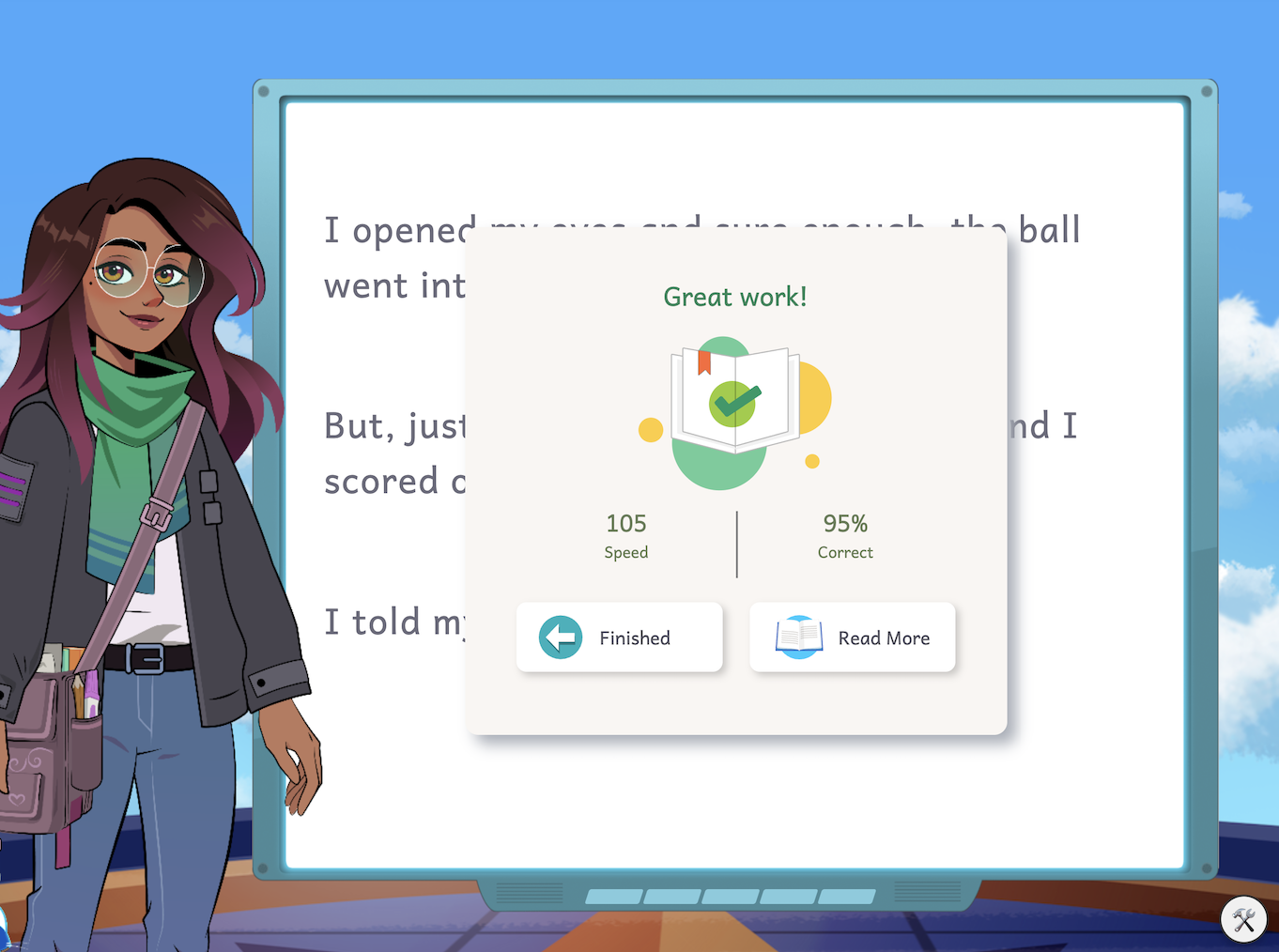
- When the story ends, Amira celebrates the student's effort and shares their speed and accuracy. Reaching this screen is what marks the session as complete and counts it as High Quality Time in teacher reports.
Students reading at or above 75 Words Correct Per Minute (WCPM) no longer see the word-by-word reading cursor; completed phrases gray out instead, and Amira advances automatically (or the student taps "Next").
Learn more:
- Early Reader Skills Scaffold
- English Tutor Student Experience Walkthrough
- ERSS Student Experience Walkthrough
- Spanish Tutora Student Experience Walkthrough
How do Tutor/Tutora interventions work?
Amira's tutoring is powered by two AI systems working together:
- Reading Error Detection (RED) model: analyzes a student's speech in real time to identify genuine reading challenges, distinguishing true errors from natural speech variation due to accent, dialect, or development. RED achieves 96% agreement with human expert judgment.
- Micro-Intervention Selection Model: takes what RED detects and selects the most appropriate micro-intervention based on the specific error, the context of the struggle, the student's mastery profile and history, and the linguistic properties of the text, grounded in reading science and Scarborough's Reading Rope.
Districts can configure, in the Admin Dashboard under App Settings:
- Intervention Frequency, High, Standard, or Low, applied to both Tutor and Tutora
- Giveword Intervention, whether Amira is allowed to simply supply the correct word when a student needs it
For a full breakdown of every individual micro-intervention Amira uses, see the Intervention Encyclopedia.
How does Tutor/Tutora connect to assessment and reporting?
Tutor/Tutora doesn't operate in isolation, it's connected to Amira's assessment and reporting data:
- Text level placement is set automatically from a student's Amira Reading Mastery (ARM) score from their latest assessment.
- WCPM, Estimated Mastery, and ARM are updated as students read.
- Progress rolls up into the Growth Dashboard and teacher reports (Progress Report, Skills Diagnostic Report, Standards Mastery Report, and others), viewable by language (English/Spanish) where a district holds both licenses.
Walkthrough: How to View Tutor Time/Stories Read
Frequently Asked Questions
Do stories repeat? Yes. Once a student's pool of unread, eligible stories drops below five, Amira begins filling remaining story choices with stories the student has already read in the last two months, oldest-read first, so a student always has something to read. The usual story rules (reading level, language, and licensed content) still apply to these reused stories, and students aren't shown any indication that a story is a repeat.
Can I request that a story be removed? Story removal isn't a self-service option. To request that a specific story be removed from circulation, email support@amiralearning.com. Your request will be routed to Amira's content team for review. They'll evaluate the story against Amira's content standards and follow up with the outcome.
What should I do if Amira mispronounces a student's name? Name mispronunciation is known feedback the team is tracking. Importantly, how Amira says a student's name does not affect the student's reading score. To report a specific name, email support@amiralearning.com with the student's name and a short description.
My student has a "No More Stories" message; what does that mean? This message typically means the student has been assigned a Progress Monitor and has already completed all of the available passages for it. If you need help, email support@amiralearning.com.
Related Resources