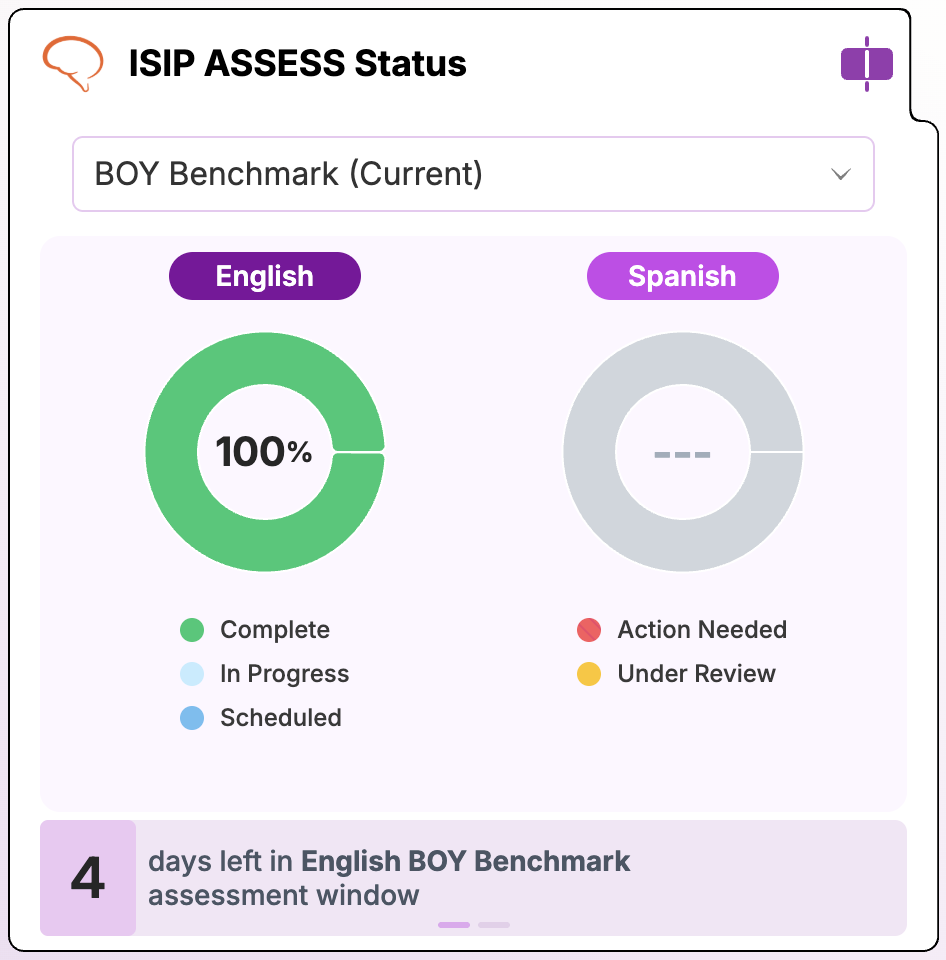
The Screening Windows tile controls when students complete their Amira Assessments throughout the year. Administrators choose a testing cadence, then build out windows by school, grade, assessment type, and language so Benchmark and Progress Monitoring assessments align with the district's instructional calendar. Windows can be set for both English and Spanish, or separated and set separately for one language at a time.
Walkthrough: Screening Windows
What it does
- Sets assessment cadence (3x/year or monthly)
- Creates and manages testing windows by school and grade
- Assigns each window a type: Benchmark or Progress Monitor
- Supports separate English/Spanish windows
When to use it
- At the start of the year, to build your testing calendar
- Before each new testing window opens
- ⚠ Students who log in outside an active window are routed to practice, not the assessment
What's inside
-
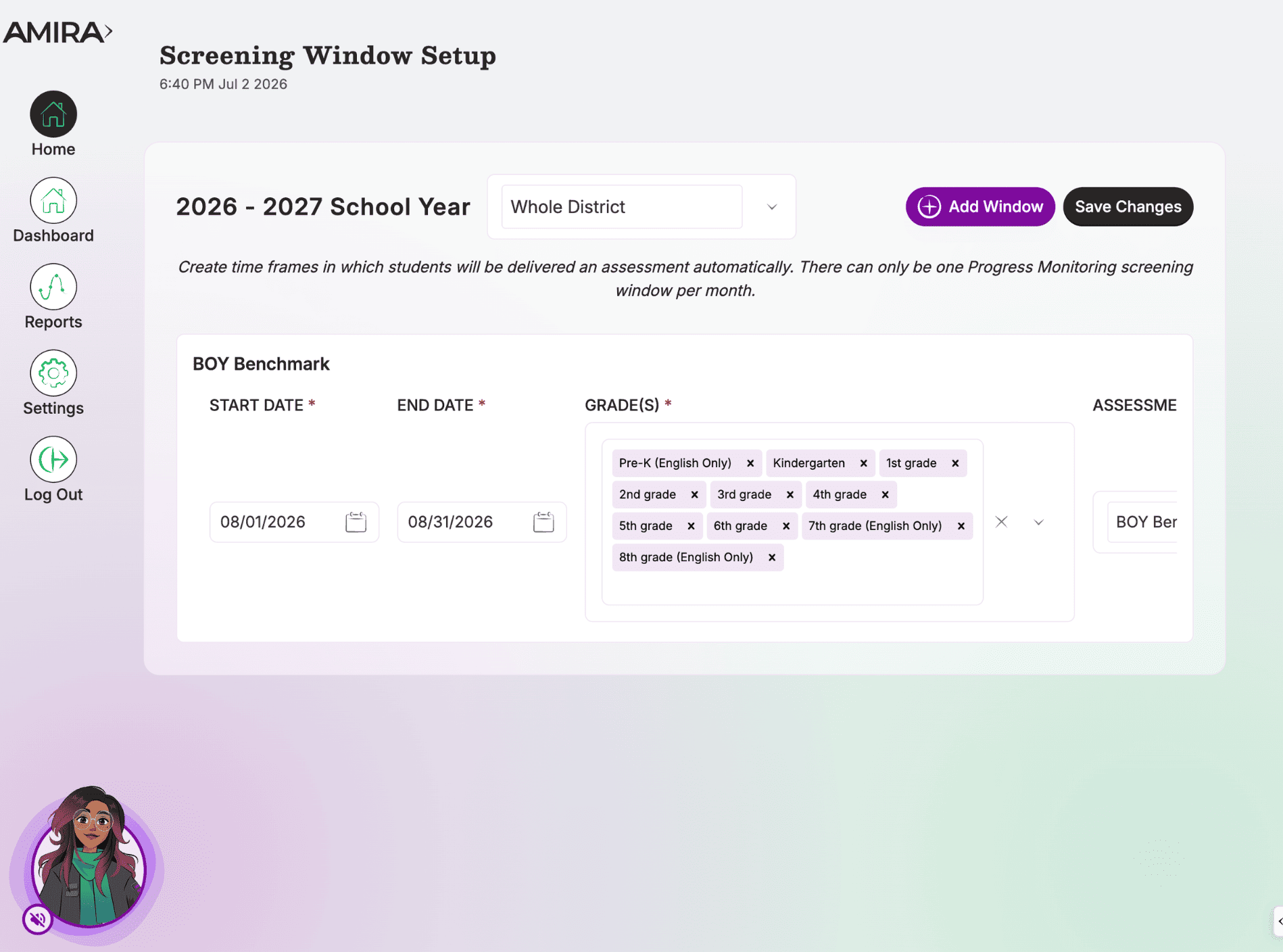
Assessment Cadence: Choose 3x/year or monthly, this generates default windows you can then edit. If 3 times / year is chosen and not customised, the default windows are August 1st, December 1st, and April 1st.
- Assessment Windows: Set district-wide or per-school windows with start/end dates, grade levels, and assessment type. 2 to 4 week windows are recommended.
- Language Handling: English/Spanish windows sync by default; use "Split By Language" to manage them separately. Teacher-level Assessment Settings must be updated before the window opens for dual-language delivery to apply.
Teachers will see a countdown to when a screening window opens on their ISIP Assess Status widget.