Whether a student is taking an assessment, working through a lesson, or practicing independent reading, they experience Amira as one consistent, patient reading guide. This article walks through what students see and do in each part of the Amira Reading Suite (and its Spanish equivalent, Amira Lectura): Assess/Evaluar, Instruct/Enseñar, and Tutor/Tutora.
Amira Assess / Evaluar: The Assessment Experience
When a student logs in for an assessment, Amira (the on-screen avatar) welcomes them, explains that they'll be reading aloud to show what they know, and encourages them to do their best. On a student's first login, Amira walks them through basic sound and microphone troubleshooting on her own, so teachers don't have to.
Student Experience - English ISIP Assess Walkthrough
Student Experience - Spanish Evaluar Walkthrough
Step-by-step assessment walkthrough:
- Login and greeting, The student logs in and Amira introduces the assessment in friendly, age-appropriate language.
- Microphone check, Amira confirms she can hear the student and helps resolve any sound issues (for example, prompting the student to speak louder).
- Task introduction, Before each task type, Amira models an example so the student knows what to do.
- Reading and responding, The student completes tasks like letter naming, phonological awareness activities, word reading, spelling, and an Oral Reading Fluency passage. For younger students, Amira encourages them to read loudly enough to "wake up" Spot, a playful avatar dog.
- Automatic adjustment, If a passage is too hard, Amira automatically moves the student to an easier passage after 60 seconds; if it's too easy, she moves them to a harder one. Amira does not tell the student whether an answer was right or wrong, she keeps a steady, encouraging pace throughout.
- Comprehension questions, After reading a passage, some students answer a few questions about what they read.
- Completion, Amira thanks the student when they finish. Teachers cannot see scores until the student reaches this final screen.
Assessments are typically under 20 minutes, and students can take breaks between tasks if needed, their progress is saved after each one.
| ISIP Assess | Evaluar |
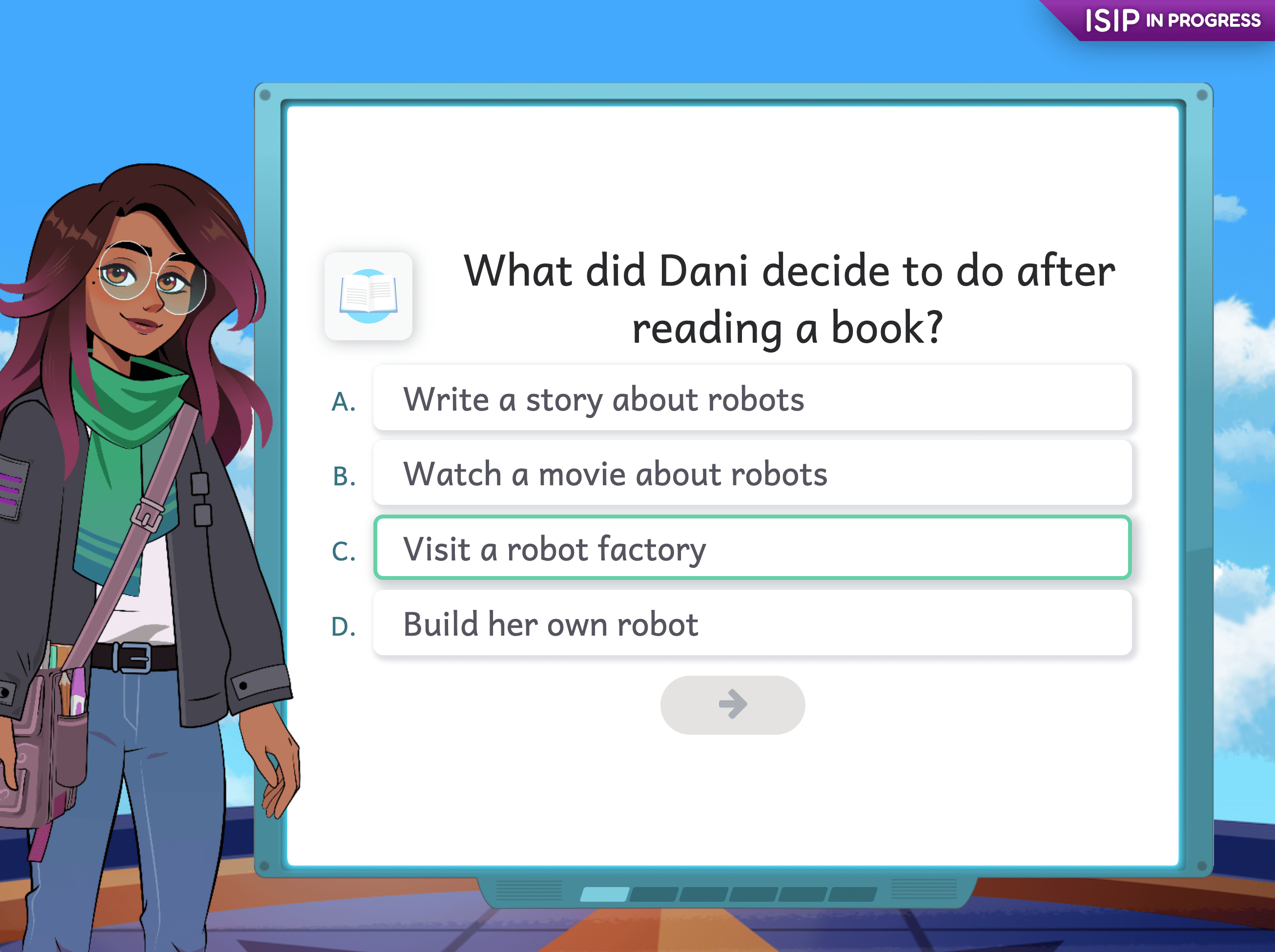 | 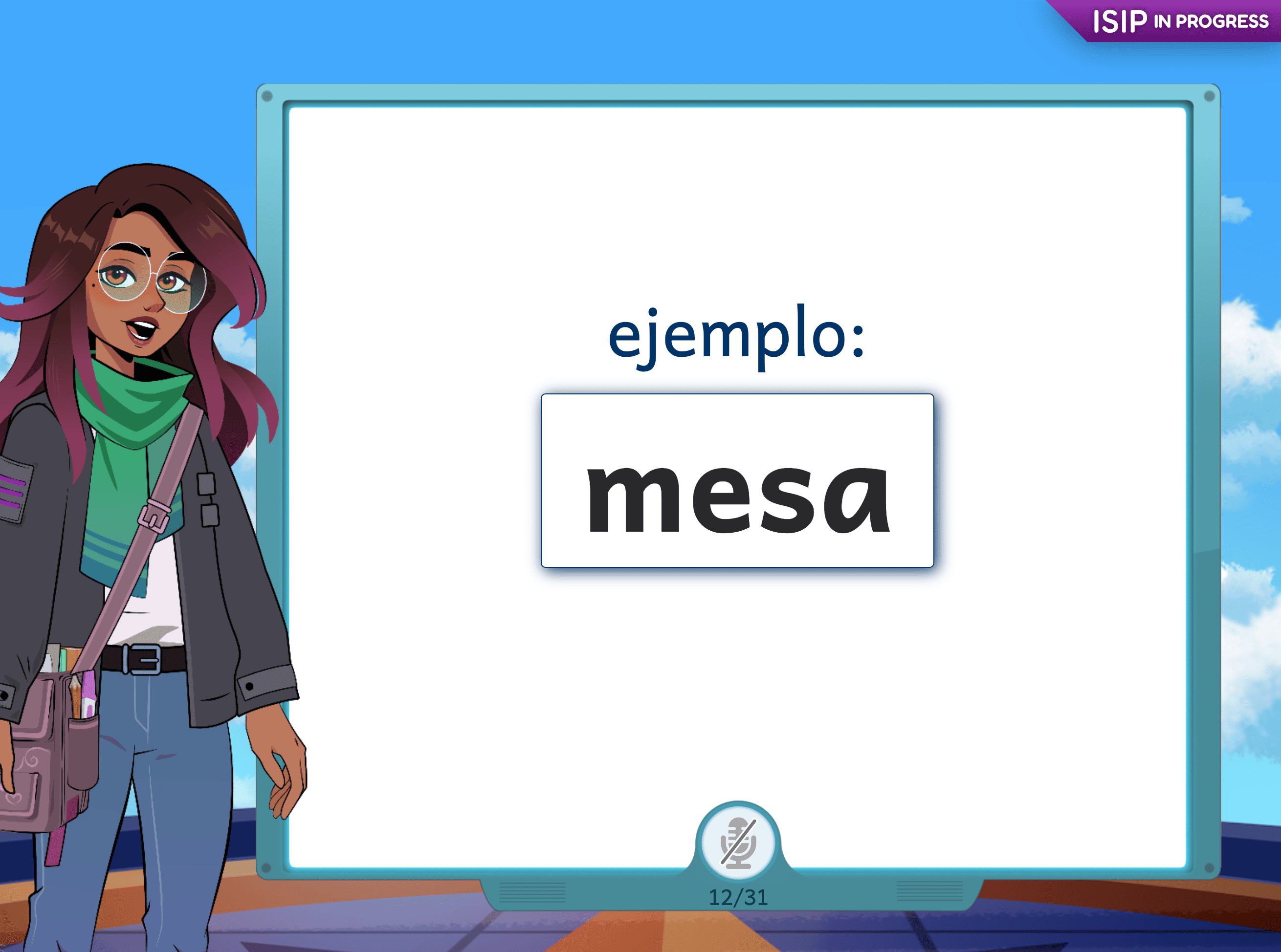 |
Amira Instruct / Enseñar: The Instruction Experience
Amira Instruct is primarily a planning tool for teachers, it turns each student's assessment and practice data into differentiated lesson plans, groupings, and resources. But it also shapes what a student sees day to day, since Instruct is what assigns and sequences a student's micro-lessons and targeted skill practice.
Student Experience - Instruct Walkthrough
Student Experience - Enseñar Walkthrough
What students experience:
Individual Learning Pathway
- Student Inbox, In districts that use Amira Instruct with the Individual Learning Pathway, students logging in see an option to either "Read a story" (Tutor/Tutora practice) or "Start Learning" (instruction via the Individual Learning Pathway).
- Individual Learning Pathway, Students will pick up on their Individual Learning Pathway where they left off, and continue through instruction until they choose to exit.
| Instruct - Individual Learning Pathway | Enseñar - Individual Learning Pathway |
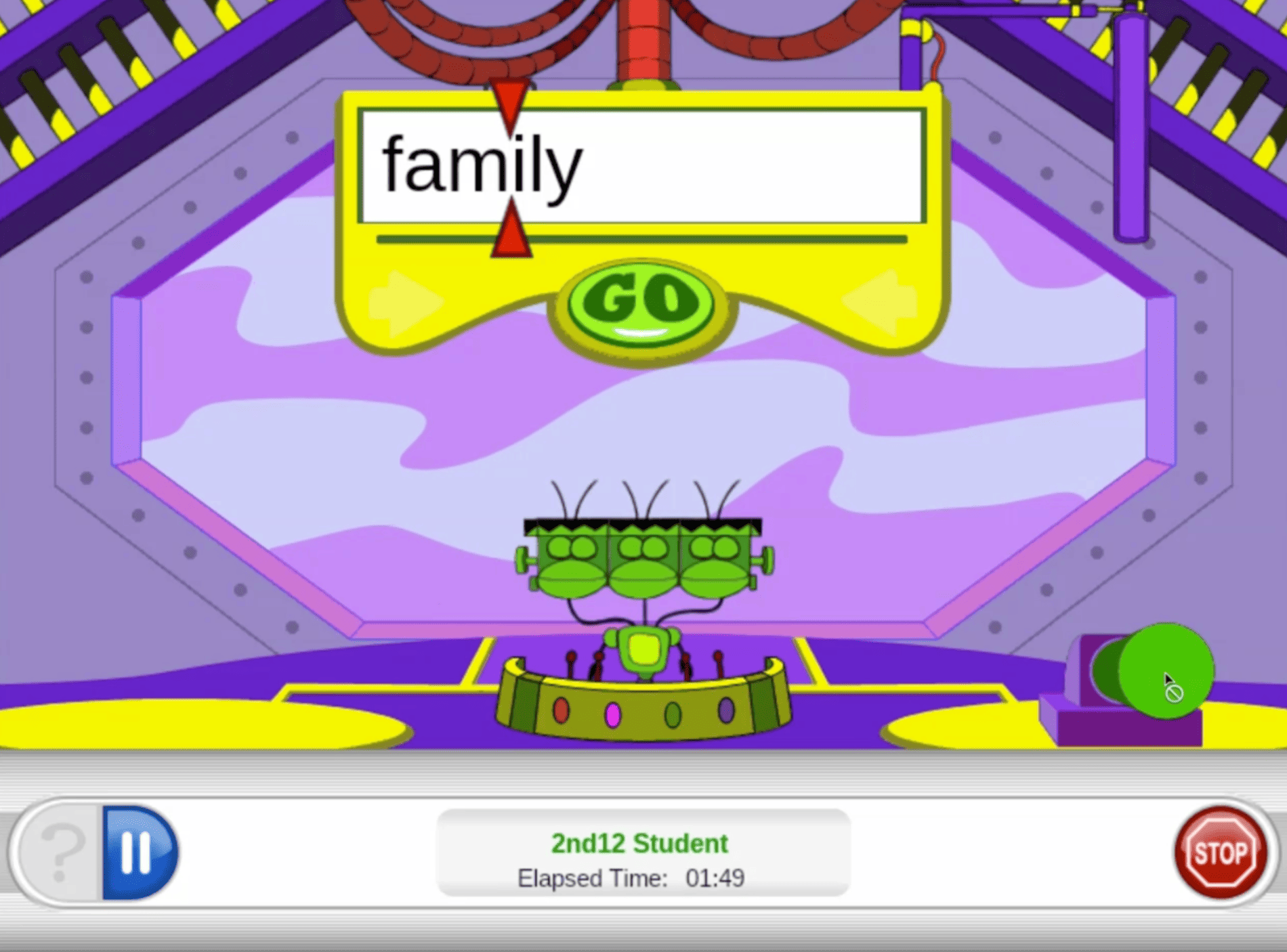 | 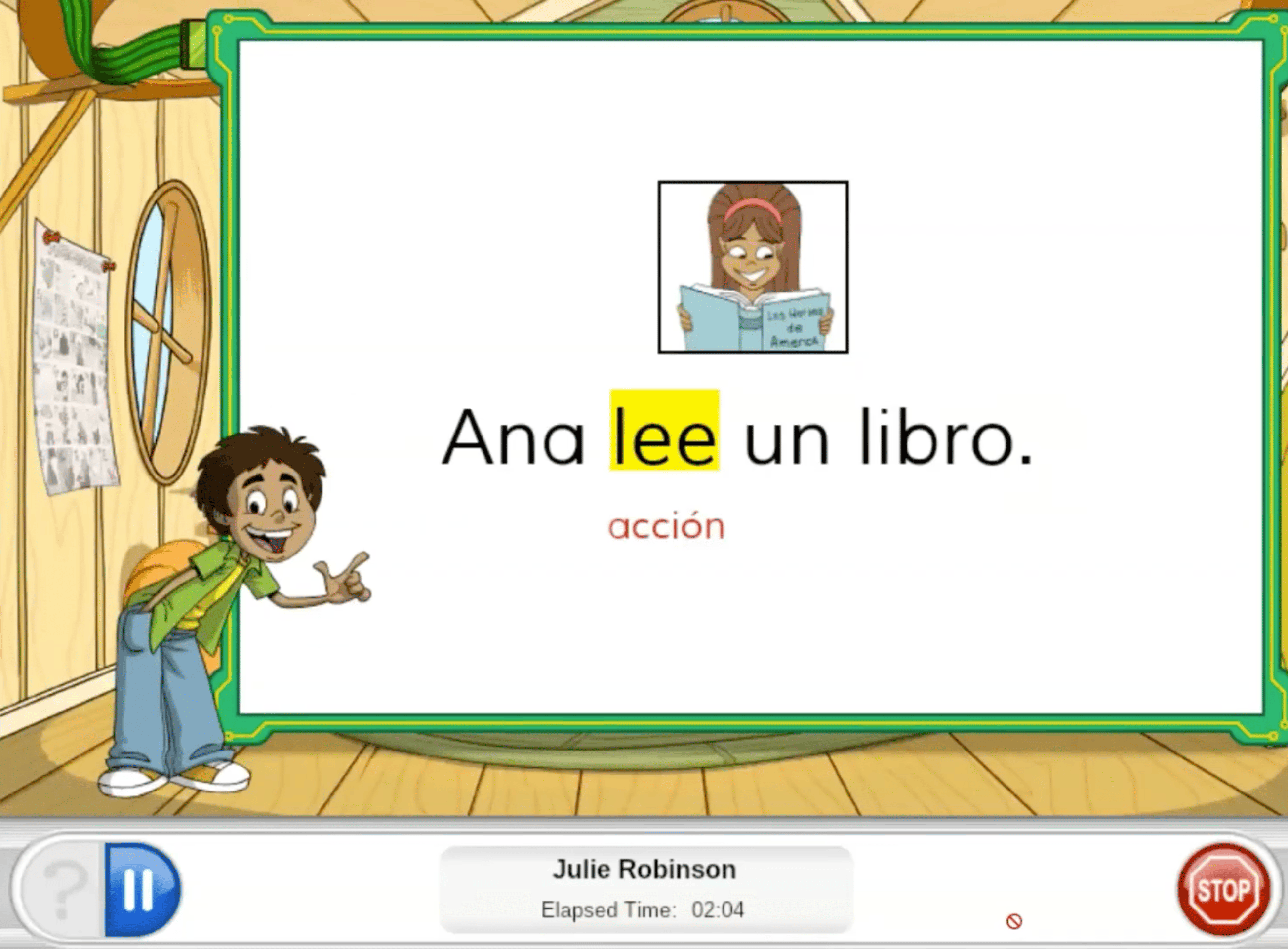 |
Core Coherent Pathway
- Student Inbox, In districts that use Amira Instruct with the Core Coherence Pathway, students will see a yellow folder on Amira's Reading card indicating they have a new assignment waiting for them.
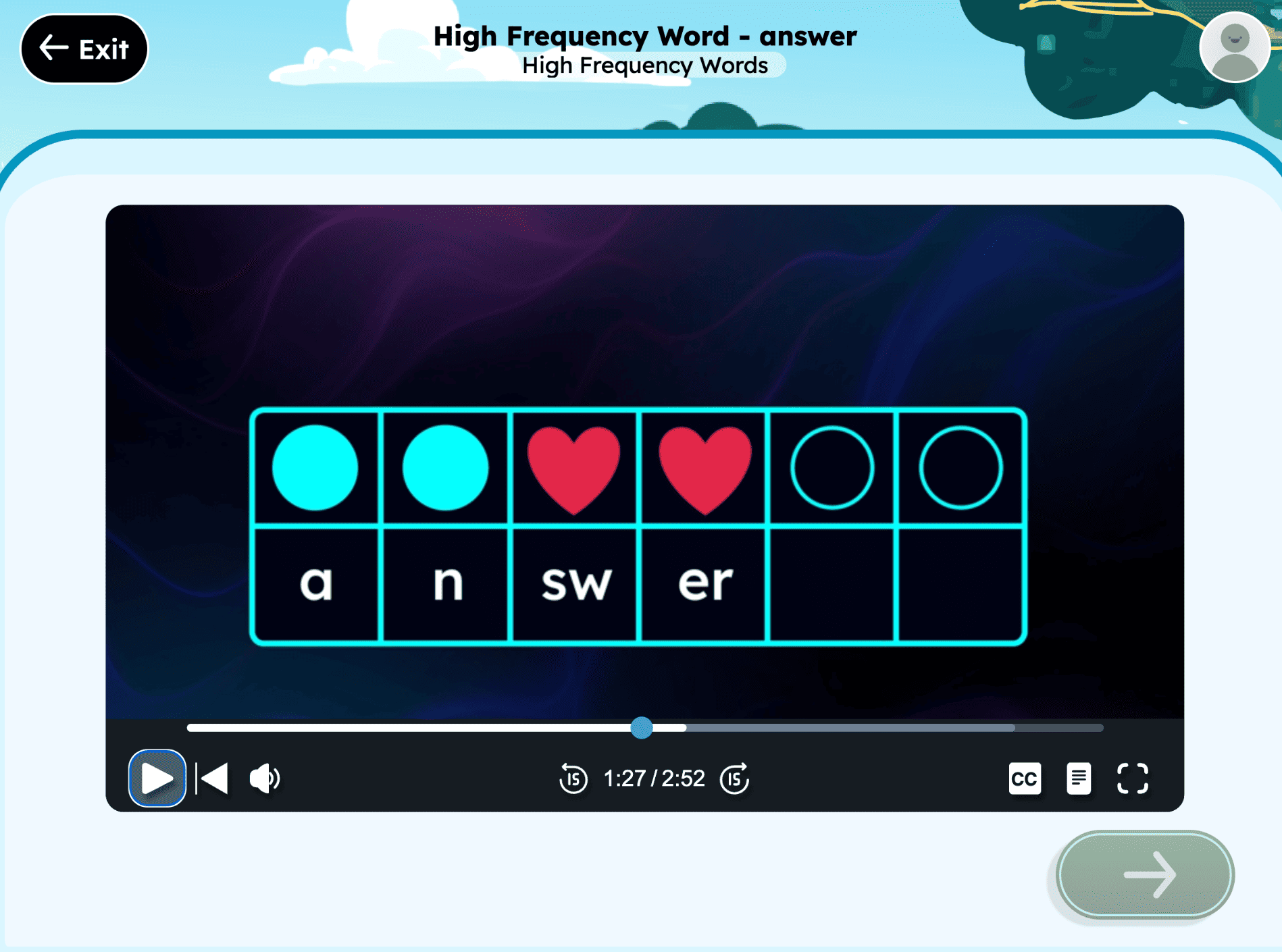
- Micro-lessons, When a student clicks on the Reading card, Amira delivers a short, focused burst of instruction (typically 4 to 10 minutes) that teaches one specific skill explicitly and systematically, for example, a phonological awareness or decoding skill flagged by their most recent assessment.
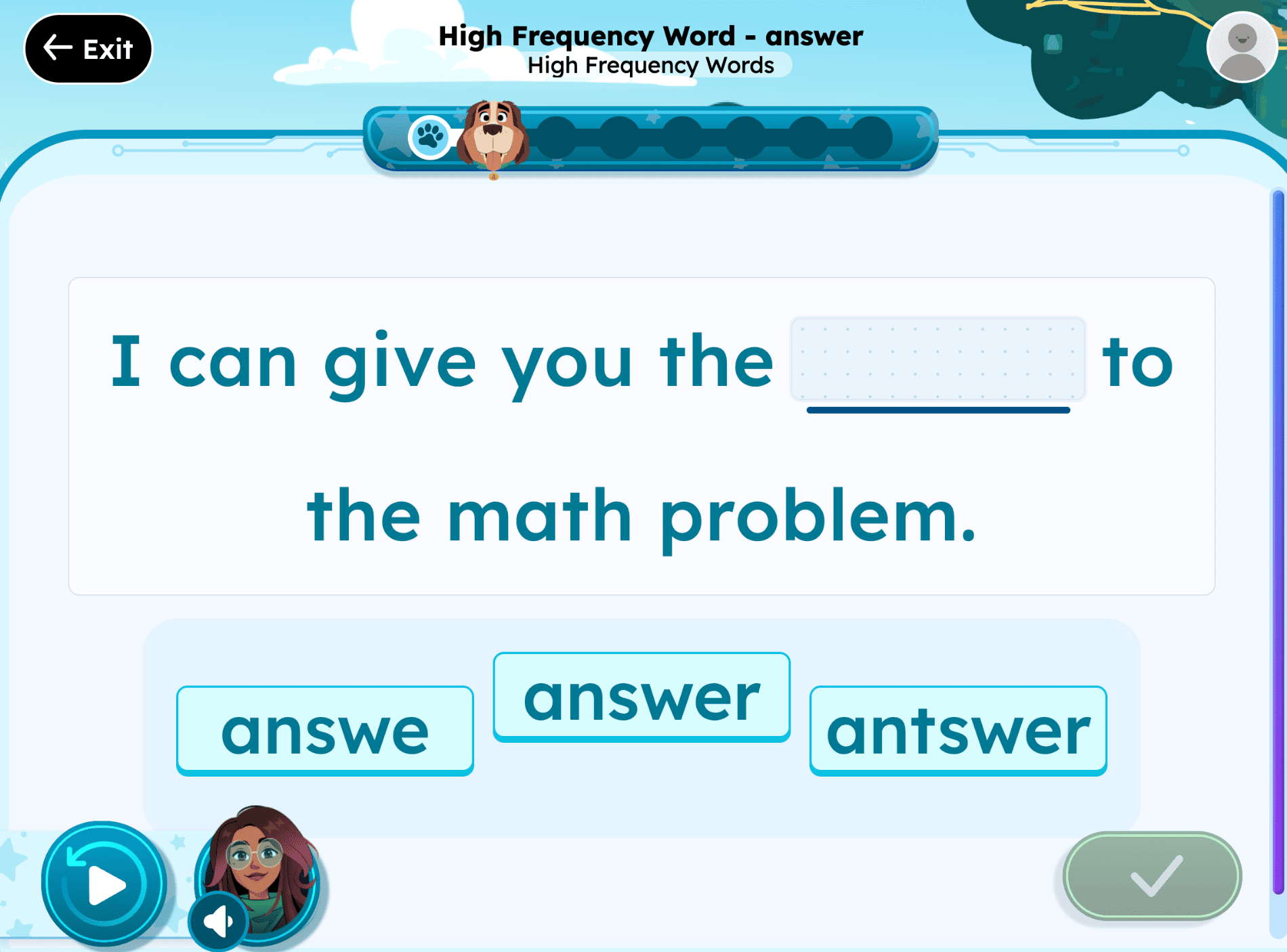
- Skill-aligned practice, These lessons are generated from the student's own reading evidence and mapped to the district's curriculum, scope, and sequence, so what a student practices in Instruct stays connected to what they're learning in class.
- Teacher-guided, not student-selected, Unlike Tutor's story choice, Instruct's lesson content and pacing are set by the teacher (who can adjust any plan at any time), so the specific skill focus a student sees reflects their teacher's decisions as much as their own data.
| Instruct - Core Coherent Pathway Microlesson | Instruct - Core Coherent Pathway TEIs |
 |  |
Amira Tutor / Tutora: The Reading Practice Experience
Amira Tutor (English) and Amira Tutora (Spanish) give students one-on-one reading practice, with Amira listening and coaching in real time as they read aloud.
Student Experience - Tutor Walkthrough
Student Experience - Tutora Walkthrough
Step-by-step tutoring walkthrough:
- Student Inbox, Students land on their Student Inbox (or, for HMH Ed users, go directly to a "Ready to Start?" screen) and select "Read a story" or "Leer una historia."
- Getting started, The student clicks "Let's do it" / "Vamos," and Amira prompts them to enable their microphone if it isn't already on.
- Story choice, Amira presents five stories matched to the student's instructional level, and the student picks one. Students in the Early Reader Skills Scaffold (typically Kindergarten and 1st grade, or others identified through assessment) start a phonics activity instead of choosing a story.
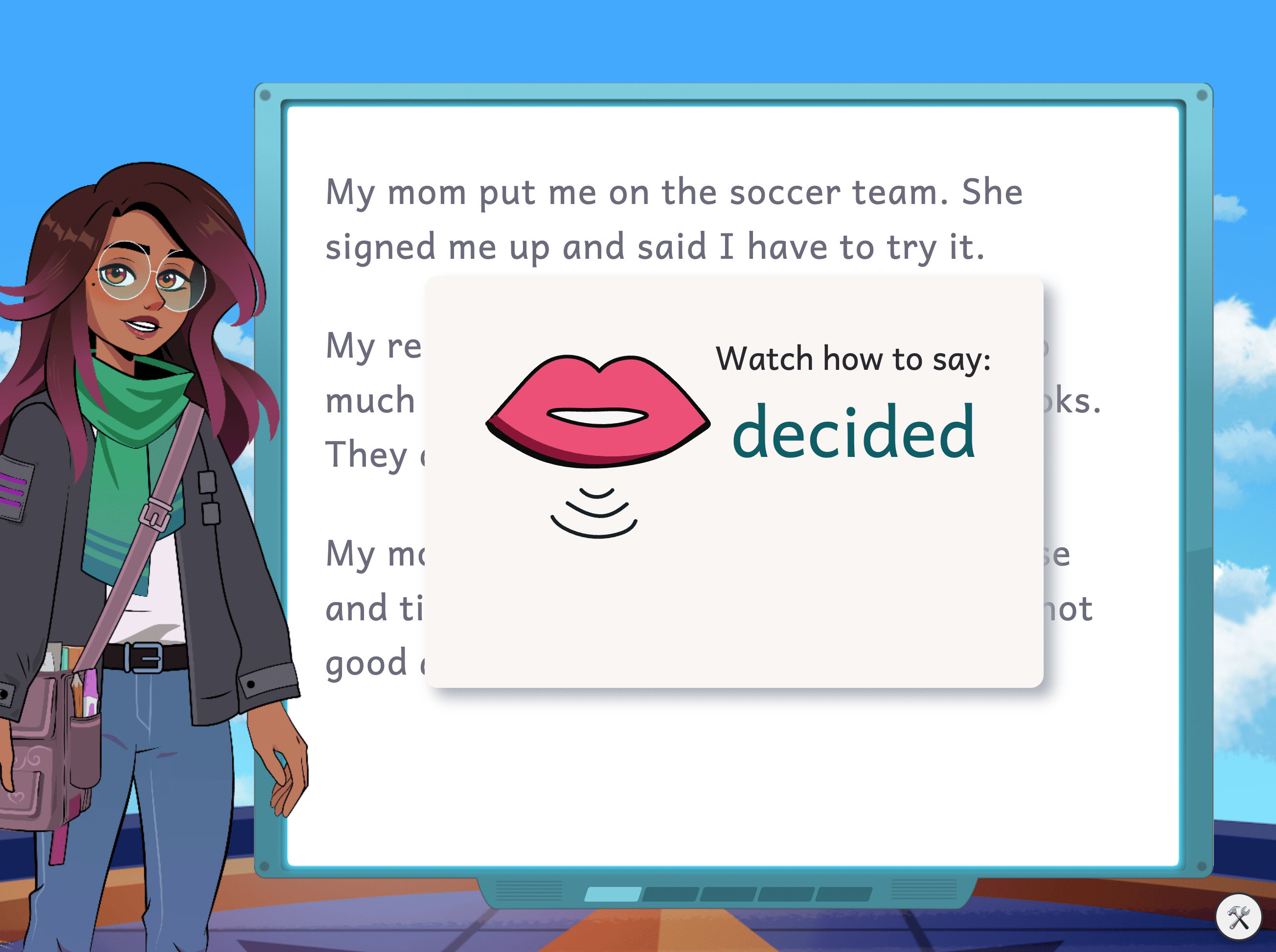
- Reading aloud, Amira says "Ready, Set, Go!" / "En sus marcas, Listos, ¡Fuera!" and the student begins reading once the microphone turns green. A reading cursor underlines the current word for support, though students reading at or above 75 Words Correct Per Minute no longer see the underline, since Amira grays out completed phrases instead once a student reaches that fluency level.
- Real-time coaching, If the student makes an error or gets stuck, Amira delivers a brief, targeted micro-intervention, not for every miscue, but for the ones that matter most in the moment.
- Comprehension conversations, For stories at a 3rd-grade reading level or higher, Amira may ask open-ended comprehension questions, which students answer aloud or by typing.
- Wrap-up, When the story is finished, Amira says "Great Work!" and shares the student's speed and accuracy. Reaching this screen is what allows the session to count as "high quality time" in teacher reports.
Throughout, students earn digital badges for milestones like accuracy, fluency, stamina, and comprehension growth, and they have some choice in which stories they read within their level, helping build motivation and a sense of ownership over their reading practice.
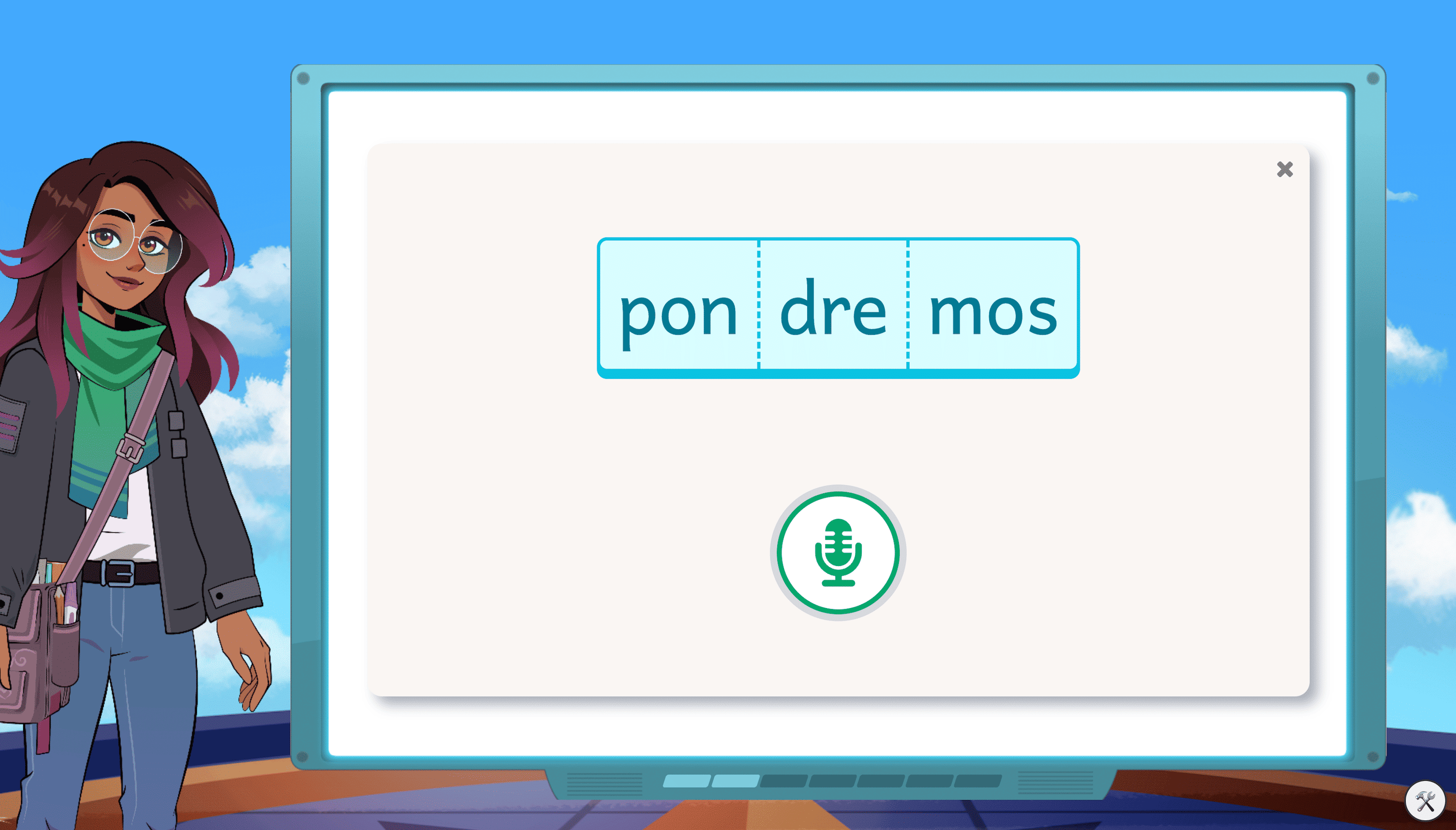
| Tutor | Tutora |
 |  |
A connected experience across products
These three experiences aren't separate silos, they feed each other. Assess/Evaluar data shapes what Instruct/Enseñar assigns and how Tutor/Tutora places and coaches a student, and every reading session a student completes (in any of the three) adds new evidence that updates their skill profile. From the student's seat, this shows up simply as one consistent Amira guiding them, whether they're being assessed, taught a new skill, or practicing independent reading.